As an Amazon Associate & Influencer, we earn from qualifying purchases you might make if you click any of the links or buttons on this page at no expense to you.
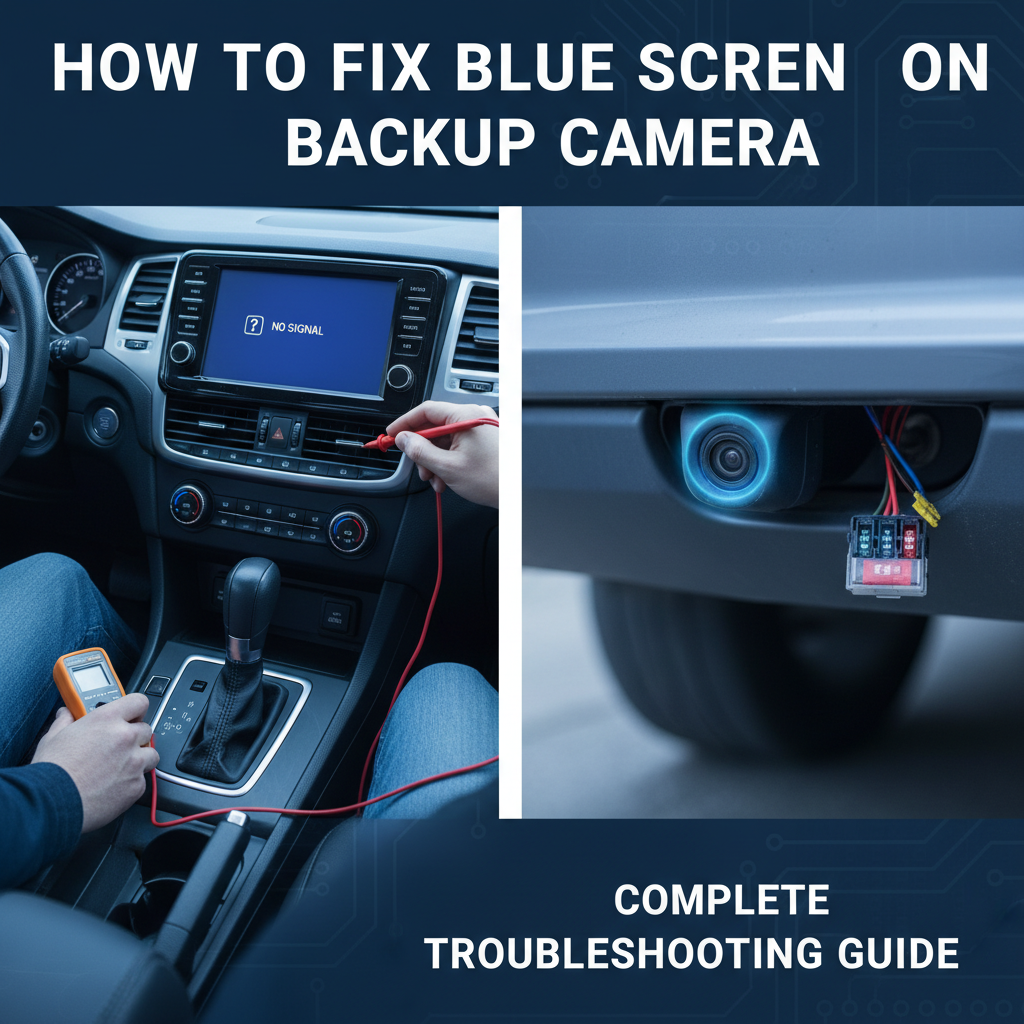
A blue screen on your backup camera can be incredibly frustrating, especially when you need to reverse safely. This common issue affects drivers across all vehicle types and backup camera brands. Understanding the root causes and knowing how to troubleshoot them can save you time and money while restoring your camera’s functionality.
This guide will walk you through the most effective solutions, from simple fixes you can do yourself to more complex repairs that might require professional help. You’ll learn to identify what’s causing the blue screen and implement the right solution for your specific situation.
Quick Fix for Blue Screen Issues on Backup Camera
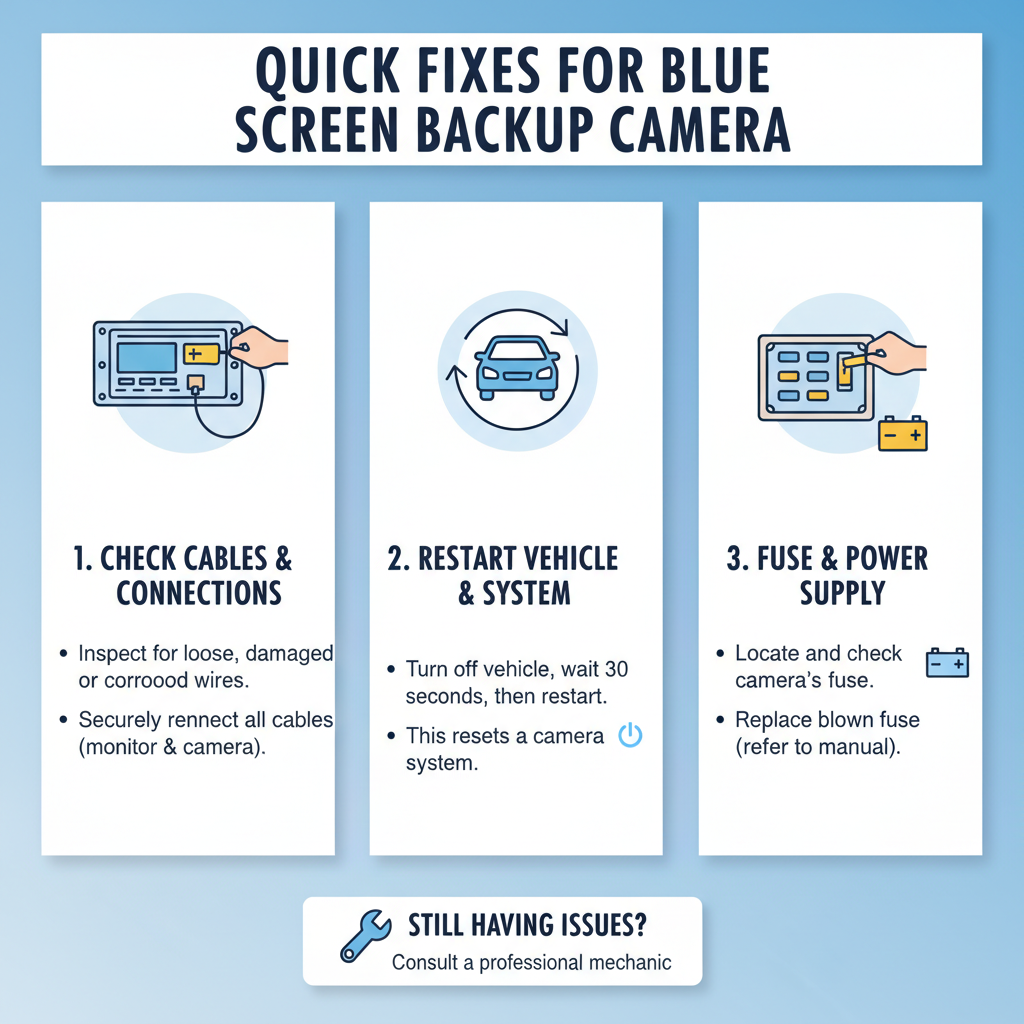
The blue screen typically indicates a signal transmission problem between your backup camera and display unit. Start by checking all cable connections, ensuring they’re secure and free from corrosion. If connections look good, try switching to a different video input channel on your display, then restart your vehicle’s electrical system by turning the engine off and on.
This simple approach resolves approximately 60% of blue screen cases, particularly those caused by loose connections or temporary signal interference.
Blue Screen Causes on Backup Camera
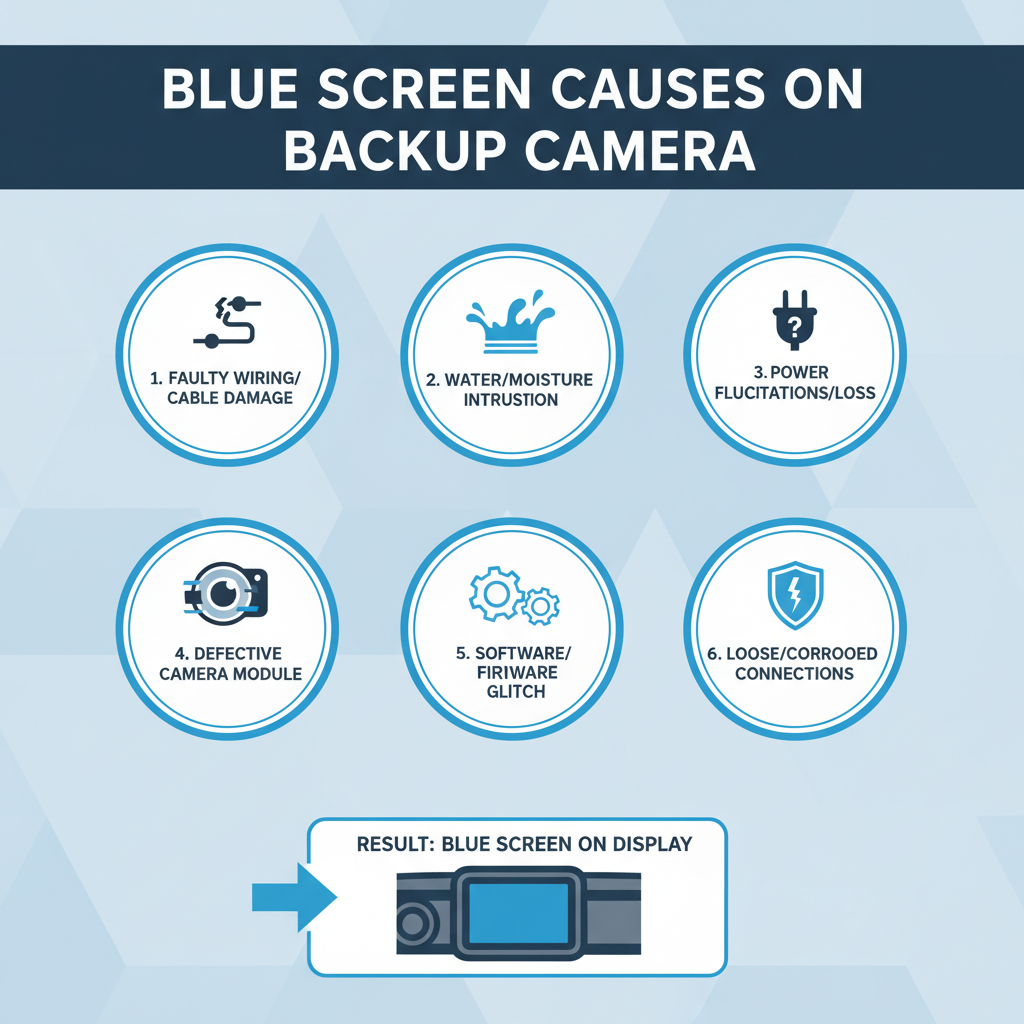
Blue screens on backup cameras stem from several technical issues that interrupt the video signal path. The most common cause involves connection problems where cables become loose, corroded, or damaged over time.
Signal interference represents another frequent culprit. Your backup camera system operates on specific frequencies that can be disrupted by other electronic devices, poor grounding, or electromagnetic interference from the vehicle’s electrical system.
Power supply issues also trigger blue screens. When the camera doesn’t receive adequate voltage, it may display a blue screen instead of the actual video feed. This often occurs due to failing power connections or insufficient amperage from the power source.
Step-by-Step Troubleshooting Process To Fix Blue Screen on Backup Camera
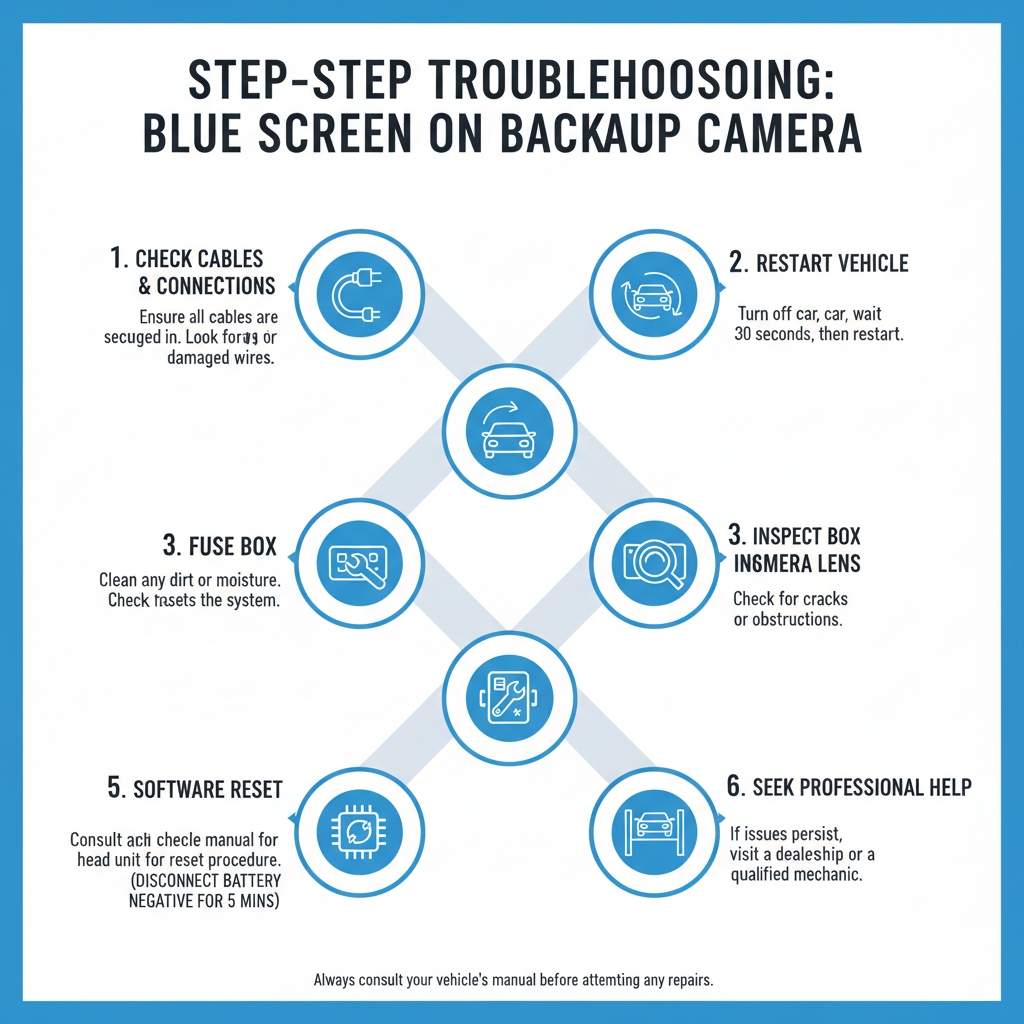
Begin your diagnosis by checking the most accessible components first. Turn on your vehicle and engage reverse gear to activate the backup camera system. Observe whether the blue screen appears immediately or after a few seconds of normal operation.
Check Physical Connections
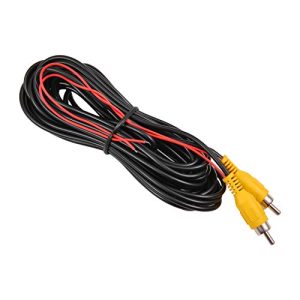
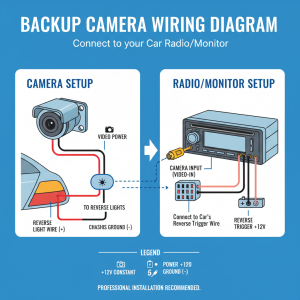
Locate your backup camera’s wiring harness, typically found near the rear of your vehicle or behind the dashboard display. Inspect each connection point for looseness, corrosion, or visible damage. Gently wiggle each connector while the camera is active to see if the image flickers or changes.
Test Different Input Sources
Many aftermarket displays have multiple video input channels. Switch between AV1, AV2, or other available inputs to determine if the issue affects all channels or just one specific input. This helps isolate whether the problem lies with the camera or the display unit.
Perform Power Cycle Reset
Turn off your vehicle completely and wait 30 seconds before restarting. This reset clears temporary glitches in the camera’s processing unit and can restore normal operation if the blue screen resulted from a software hiccup.
Electrical Connection Solutions
Connection issues require systematic inspection and repair. Start by examining the camera’s power and video cables where they connect to the main wiring harness.
Power Connection Repair
Use a multimeter to verify that the camera receives proper voltage, typically 12V DC for most automotive backup cameras. Measure voltage at the camera’s power input while the system is active. Readings below 11.5V indicate insufficient power supply.
Clean corroded connections using electrical contact cleaner and a small wire brush. Apply dielectric grease to prevent future corrosion after making secure connections.
Video Signal Cable Inspection
Video cables are particularly susceptible to damage from road debris, moisture, and temperature fluctuations. Look for cuts, kinks, or areas where the cable jacket appears damaged.
Field experience shows that video cables often fail at stress points where they bend around vehicle body panels or pass through rubber grommets. Pay special attention to these areas during inspection.
Display Unit Troubleshooting
Sometimes the blue screen originates from the display unit rather than the camera itself. Modern backup camera systems use complex processing circuits that can malfunction independently of the camera.
Input Selection Verification
Verify that your display unit is set to the correct input channel for your backup camera. Many units automatically switch inputs when reverse gear is engaged, but this automatic switching can fail.
Access your display’s menu system and manually select the backup camera input. If the blue screen disappears, the automatic switching function needs repair or recalibration.
Display Unit Reset Procedures
Most aftermarket displays have reset procedures that restore factory settings. This process varies by manufacturer but typically involves holding specific button combinations while powering on the unit.
Consult your display’s manual for the exact reset procedure, as incorrect sequences can cause additional problems.
Camera Hardware Diagnostics
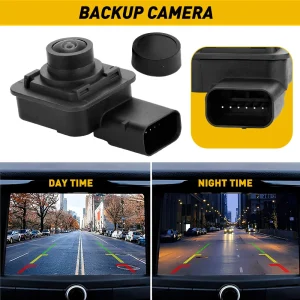
When connection and display issues are ruled out, focus on the camera hardware itself. Backup cameras contain sensitive electronic components that can fail due to moisture, temperature extremes, or physical damage.
Visual Camera Inspection
Examine the camera lens for cracks, moisture buildup, or debris that might interfere with image capture. Even small amounts of moisture inside the camera housing can cause signal processing failures that result in blue screens.
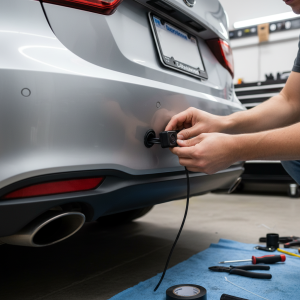
Check the camera mounting for looseness or damage that might affect internal connections. Vibration from loose mounting can gradually damage internal components.
Temperature-Related Failures
Backup cameras operate in harsh environments with extreme temperature variations. Components can fail when exposed to temperatures outside their design range, typically -20°F to 140°F for automotive-grade cameras.
A common issue technicians encounter is intermittent blue screens that occur only in very hot or cold weather, indicating temperature-sensitive component failure within the camera.
Advanced Signal Testing Methods
Professional diagnosis requires specialized equipment to measure signal quality and identify specific failure points. However, some advanced testing can be performed with basic tools.
Signal Continuity Testing
Use a multimeter to test continuity through video cables from the camera to the display unit. This identifies breaks in the video signal path that cause blue screens.
Test each conductor in the video cable separately, as backup cameras typically use composite video signals that require specific impedance matching for proper operation.
Voltage Drop Analysis
Measure voltage at multiple points along the power supply path to identify areas where voltage drops below acceptable levels. Significant voltage drops often occur at connection points with high resistance due to corrosion or loose connections.
In practice, voltage drops greater than 0.5V between the power source and camera input indicate connection problems that can cause blue screen issues.
Professional Repair Considerations
Some blue screen problems require professional diagnosis and repair, particularly those involving internal camera failures or complex wiring issues within the vehicle’s electrical system.
When to Seek Professional Help
Consider professional repair when basic troubleshooting doesn’t resolve the issue, or when you discover damaged wiring that requires specialized repair techniques. Professional technicians have access to oscilloscopes and signal generators that can definitively diagnose signal processing problems.
Complex installations with multiple cameras or integration with factory vehicle systems often require professional expertise to maintain proper operation and avoid damaging other vehicle systems.
Cost-Benefit Analysis
Replacement cameras typically cost $50-200 depending on features and quality. Professional diagnosis and repair usually costs $100-300. Compare these costs against the complexity of your specific installation when deciding between repair and replacement.
Frequently Asked Questions
Why does my backup camera show blue screen only sometimes?
Intermittent blue screens usually indicate loose connections or temperature-sensitive component failures. Check all connections first, then consider environmental factors like extreme temperatures that might affect camera operation.
Can I fix a blue screen by replacing just the camera?
Not always. The blue screen might originate from the display unit, wiring problems, or power supply issues. Proper diagnosis is essential before replacing components to avoid unnecessary expenses.
How do I know if the problem is the camera or display unit?
Connect a different video source to your display unit, such as a DVD player or phone. If other sources work properly, the camera likely needs attention. If all sources show problems, focus on the display unit.
Will aftermarket cameras work with factory displays?
Compatibility depends on your vehicle’s specific system. Most factory displays use proprietary signals that require interface modules to work with aftermarket cameras. Consult a professional for compatibility assessment.
Can weather cause backup camera blue screens?
Yes, extreme temperatures, moisture, and electromagnetic interference from storms can cause temporary or permanent blue screen issues. Properly sealed, automotive-grade cameras should withstand normal weather conditions.
How long should a backup camera last before showing problems?
Quality automotive backup cameras typically last 5-8 years with proper installation and maintenance. Cheaper units may fail within 2-3 years, especially when exposed to harsh environmental conditions.
Is it safe to drive with a blue screen backup camera?
While not illegal in most areas, a non-functioning backup camera reduces safety, especially if you’ve become accustomed to relying on it. Use extra caution when reversing and consider prompt repair to maintain optimal safety.
Final Thoughts
Blue screen issues on backup cameras typically stem from connection problems, power supply failures, or component malfunctions that can be systematically diagnosed and repaired. Start with the simplest solutions like checking connections and performing system resets before moving to more complex diagnostics.
Most blue screen problems can be resolved with basic tools and patience, though some situations require professional expertise. Regular maintenance of connections and protection from environmental extremes can prevent many common failures and extend your backup camera’s operational life.
Remember that safety should always be your priority when reversing, regardless of camera functionality. While backup cameras provide valuable assistance, they supplement rather than replace proper mirror usage and awareness of your surroundings.