As an Amazon Associate & Influencer, we earn from qualifying purchases you might make if you click any of the links or buttons on this page at no expense to you.
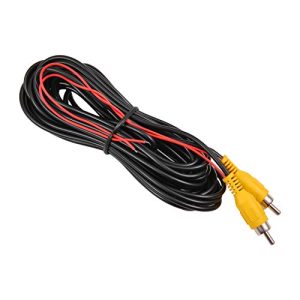
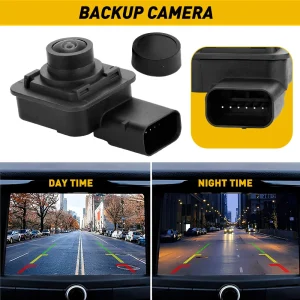
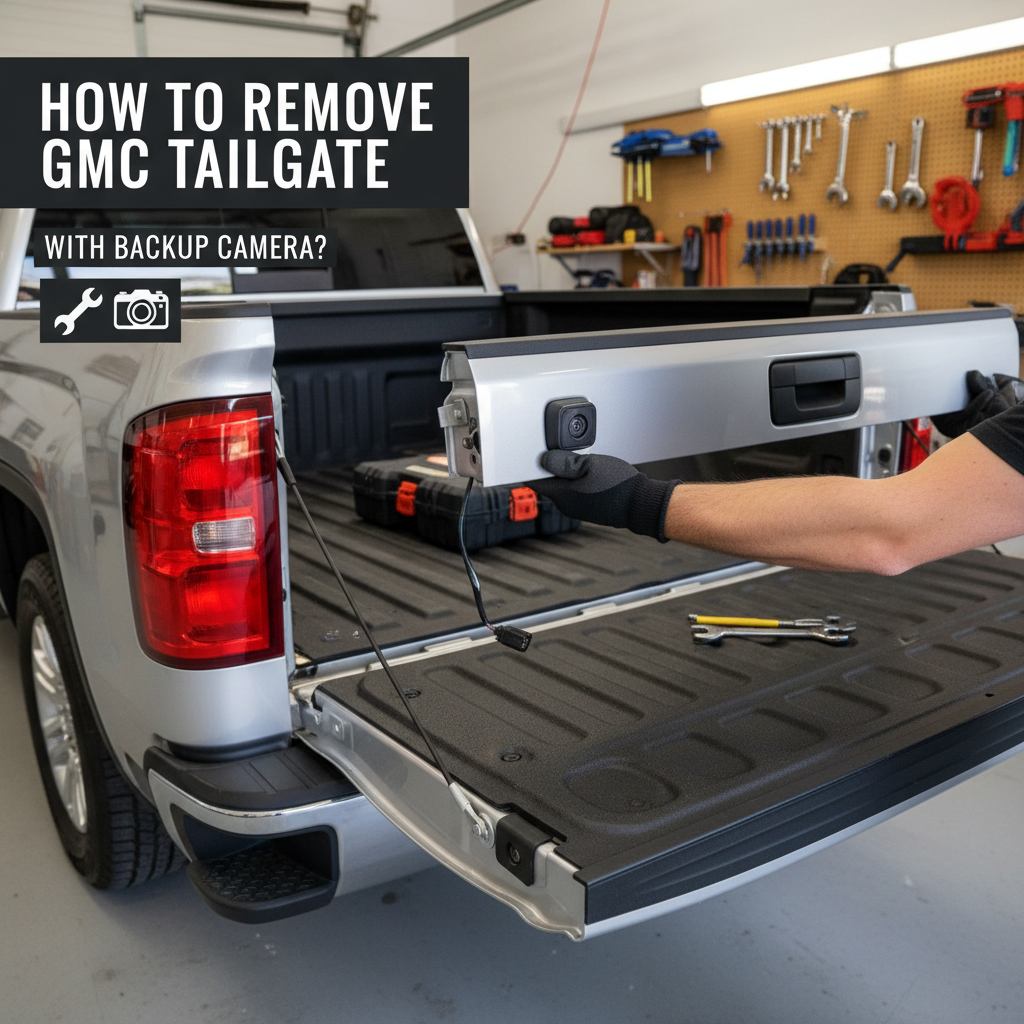
Removing a GMC tailgate with a backup camera is slightly different from a standard tailgate removal. The built-in camera wiring must be handled carefully to avoid costly damage.
Whether you’re replacing the tailgate, repairing the camera, or upgrading components, following the correct steps ensures a safe and damage-free removal.
This guide explains the exact process, including wiring disconnection, hinge removal, and proper reinstallation.
To remove a GMC tailgate with a backup camera, disconnect the negative battery terminal, locate and unplug the camera wiring harness near the left hinge, then open the tailgate to about a 45-degree angle and lift it upward while pulling it toward you. Always disconnect the wiring before removing the tailgate to avoid damage.
Tools and Preparation to Remove GMC Tailgate with Backup Camera
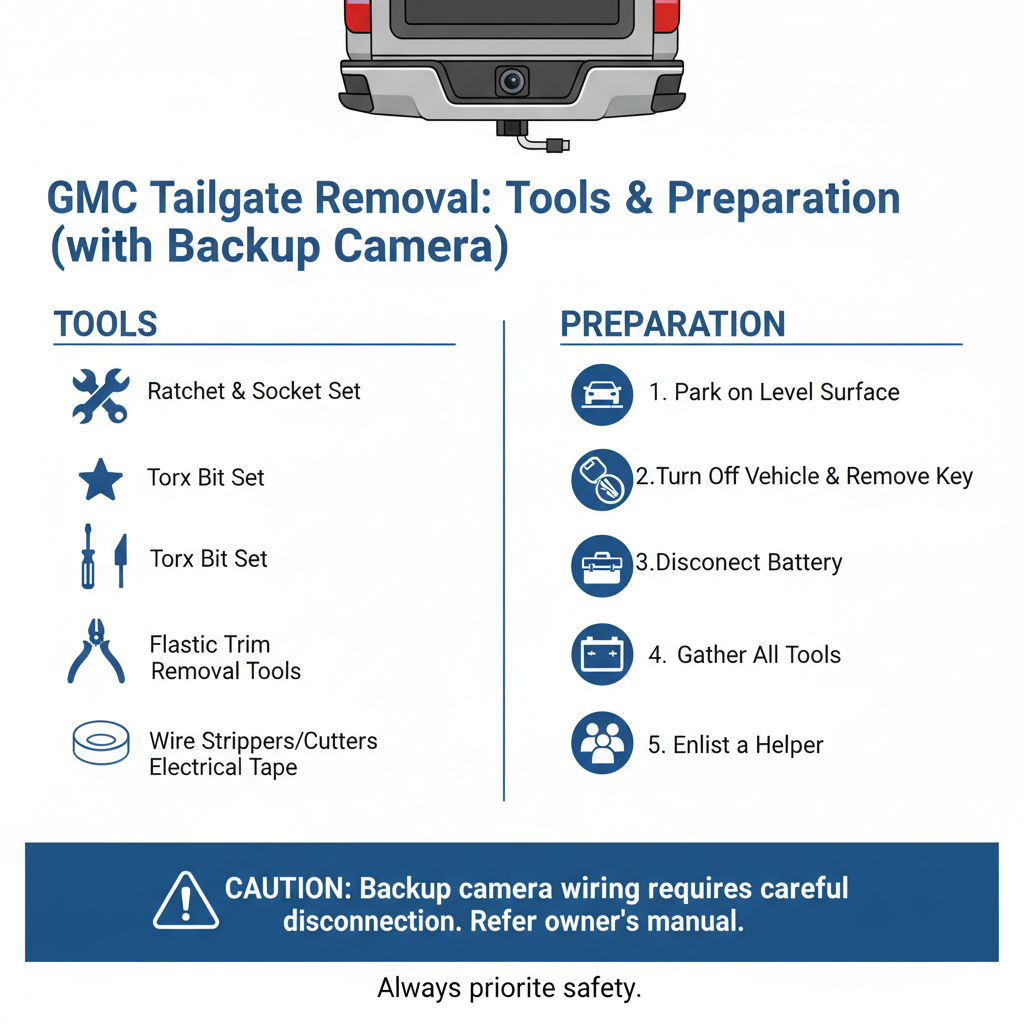
Before starting, gather a few basic tools and prepare your workspace properly.
What you’ll need:
- 10mm socket wrench
- Electrical contact cleaner
- Clean cloth or rag
- Optional: penetrating oil
Park your truck on level ground and engage the parking brake. Disconnect the negative battery terminal to prevent electrical issues.
Clear the truck bed and ensure enough space behind the vehicle. You’ll need room to fully open and lift the tailgate.
Where to Find the Backup Camera Wiring
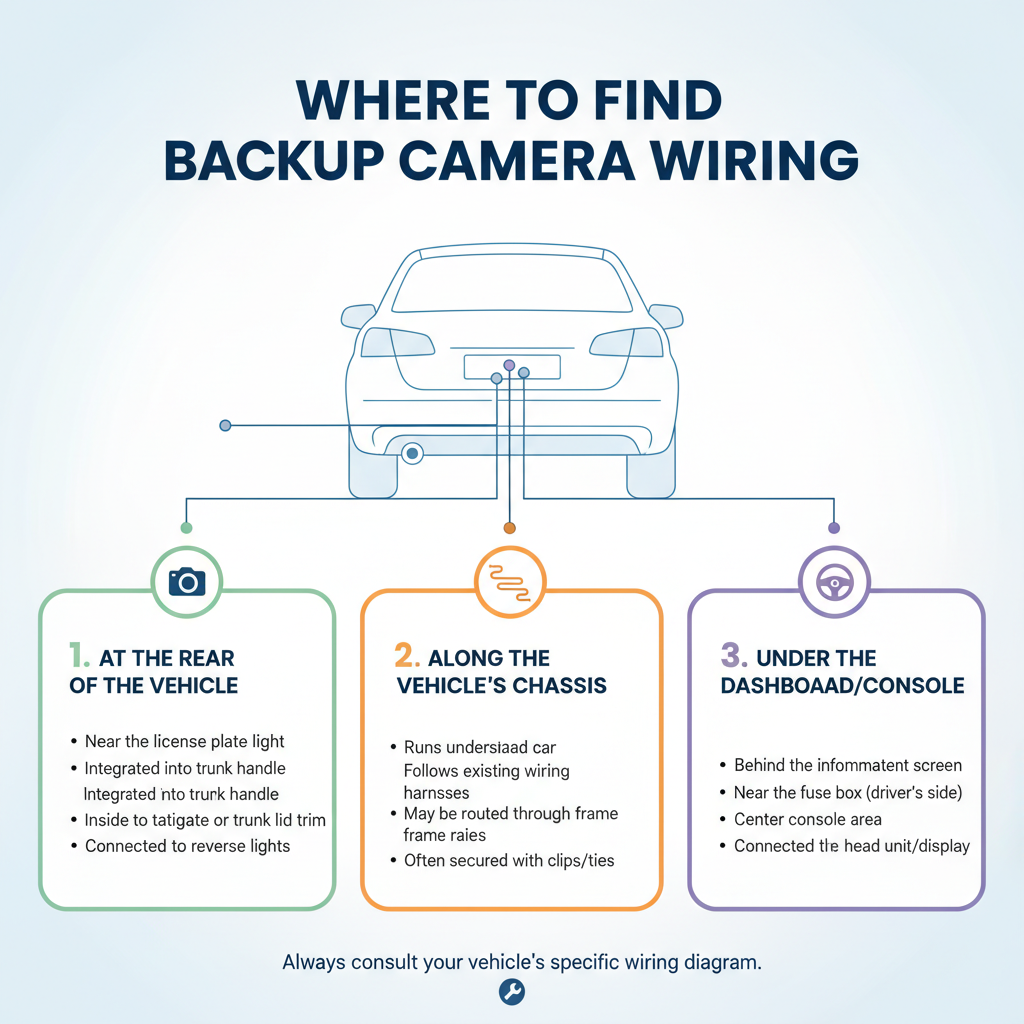
On most GMC trucks, the camera wiring harness is located near the left tailgate hinge.
Look for a sealed connector with a locking tab. It’s usually positioned where the tailgate meets the truck bed rail.
On models like GMC Sierra or GMC Canyon, the connector may be:
- Wrapped in tape
- Covered with a protective cap
- Slightly tucked under the bed rail
Carefully expose the connector without pulling or stressing the wires.
How to Disconnect the Camera Wiring
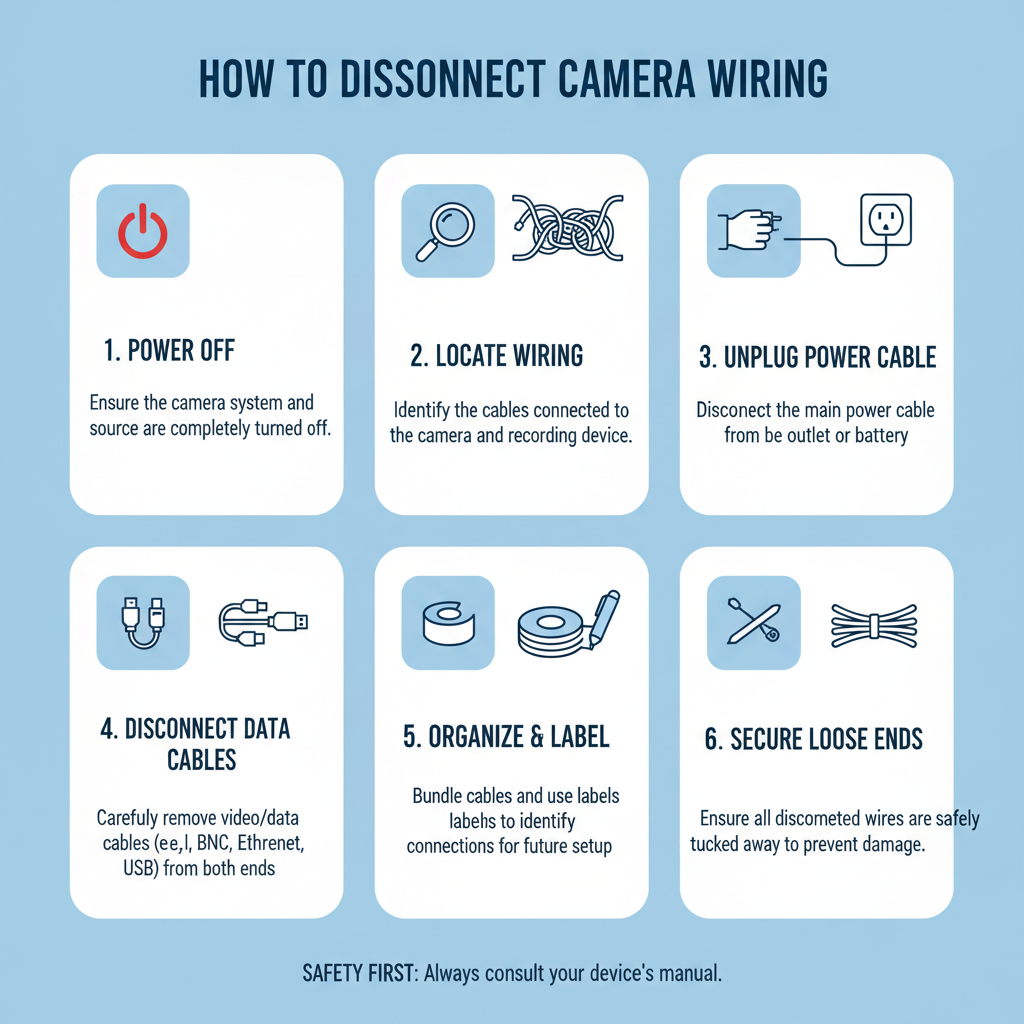
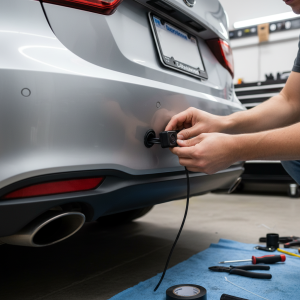
Press the locking tab and gently pull the connector apart.
Do not pull the wires directly. This can damage internal connections.
If the connector is stuck:
- Spray a small amount of electrical contact cleaner
- Wait 20–30 seconds
- Try again gently
Check both ends for dirt, corrosion, or bent pins. Clean if necessary.
Step-by-Step Tailgate Removal
Once the wiring is disconnected, you can safely remove the tailgate.
- Open the tailgate to about a 45-degree angle
- Stand at the center and grip the top edge
- Lift upward while pulling toward you
- The tailgate will disengage from the hinge pins
Most GMC tailgates weigh around 60–80 lbs, so having a helper is recommended.
Handling the Camera Wire Safely
As you remove the tailgate, make sure the wiring doesn’t get caught.
- Keep the wire loose and free
- Remove it from any clips or guides
- Avoid pulling or stretching
After removal, coil the wire and secure it with tape or zip ties to prevent damage.
Common Problems and Fixes
Tailgate won’t lift off
Apply penetrating oil to hinge pins and wait 10–15 minutes.
Connector won’t unplug
Use contact cleaner and avoid forcing it.
Wire looks damaged
Inspect carefully before reinstalling. Replace if needed.
Wire gets pinched
Check routing before reinstalling to prevent future issues.
Reinstalling the Tailgate
Reinstallation is the reverse process but requires careful wire placement.
- Position the tailgate onto the hinge pins
- Lower it securely into place
- Ensure it opens and closes smoothly
- Reconnect the wiring harness until it clicks
Make sure the wire is routed properly and not trapped between parts.
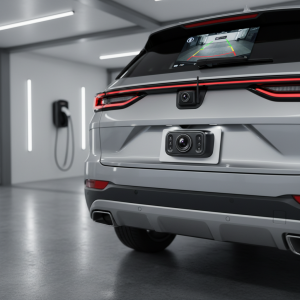
Testing the Backup Camera
After reinstalling:
- Reconnect the battery
- Start the vehicle
- Shift into reverse
Check if the camera:
- Displays a clear image
- Has correct alignment
- Shows no error messages
Most issues after installation are caused by loose connections.
Maintenance Tips
To make future removal easier:
- Apply dielectric grease to connectors
- Keep hinge pins clean and lightly lubricated
- Inspect wiring regularly near hinge areas
These simple steps prevent corrosion and reduce wear.
Frequently Asked Questions
Can I remove the tailgate without disconnecting the camera?
No. The wiring must be disconnected first to avoid damage.
What if the connector gets damaged?
You may need to replace the wiring harness, which can be expensive.
Do I need special tools?
No. Basic tools are enough for most GMC models.
How long does it take?
10–15 minutes for experienced users, 30–45 minutes for beginners.
Can the camera be damaged during removal?
The camera itself is protected. Damage usually happens to the wiring if not handled properly.
Final Thoughts
Removing a GMC tailgate with a backup camera is straightforward when done correctly. The most important step is disconnecting the wiring harness before lifting the tailgate.
Take your time, handle the connectors carefully, and ensure proper wire routing during reinstallation. This prevents expensive repairs and keeps your backup camera system working reliably.