As an Amazon Associate & Influencer, we earn from qualifying purchases you might make if you click any of the links or buttons on this page at no expense to you.
Ford backup cameras can occasionally malfunction, displaying a black screen, distorted images, or error messages. When your backup camera stops working properly, a system reset often resolves the issue without requiring expensive repairs or dealership visits.
This guide covers multiple reset methods for Ford backup cameras, common troubleshooting steps, and preventive maintenance tips. You’ll learn how to diagnose camera problems and restore functionality using simple techniques that work across most Ford models from 2010 onwards.
Quick Reset Solution
To reset your Ford backup camera, disconnect the vehicle’s battery for 10-15 minutes, then reconnect it. This forces a complete system reboot. Alternatively, access the SYNC system settings and perform a master reset through the infotainment display menu.
Most Ford backup camera issues stem from software glitches rather than hardware failures. A proper reset clears temporary errors and restores normal camera operation in approximately 80% of cases.
Ford Backup Camera System Basics
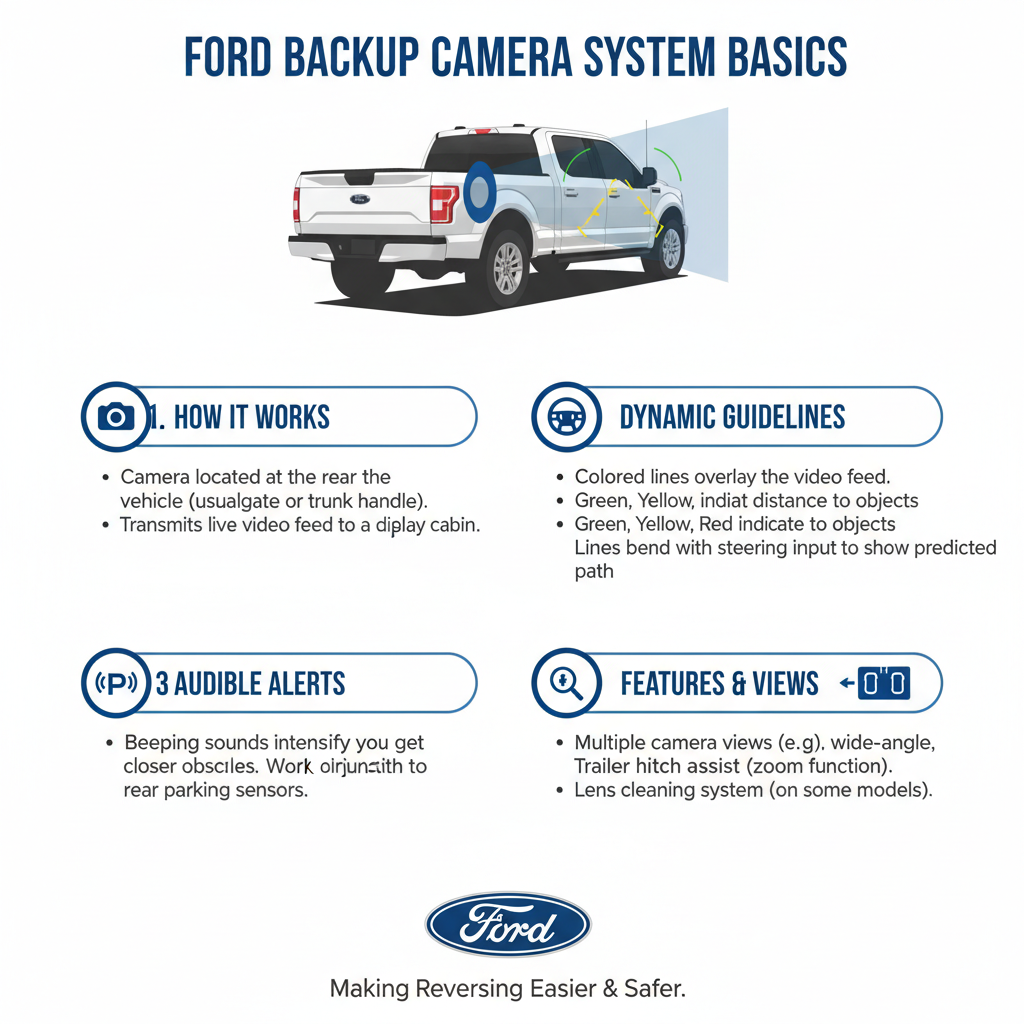
Ford integrates backup cameras with the vehicle’s infotainment system, typically through SYNC technology. The camera connects to a central processing unit that manages display output, parking guidelines, and system diagnostics.
Modern Ford vehicles use digital camera systems that communicate through the vehicle’s CAN bus network. This integration means camera problems can sometimes affect other vehicle systems, and vice versa.
The backup camera activates automatically when shifting into reverse, displaying the rear view on the dashboard screen or rearview mirror. System malfunctions usually present as blank screens, frozen images, or distorted video feeds.
Battery Disconnect Reset Method
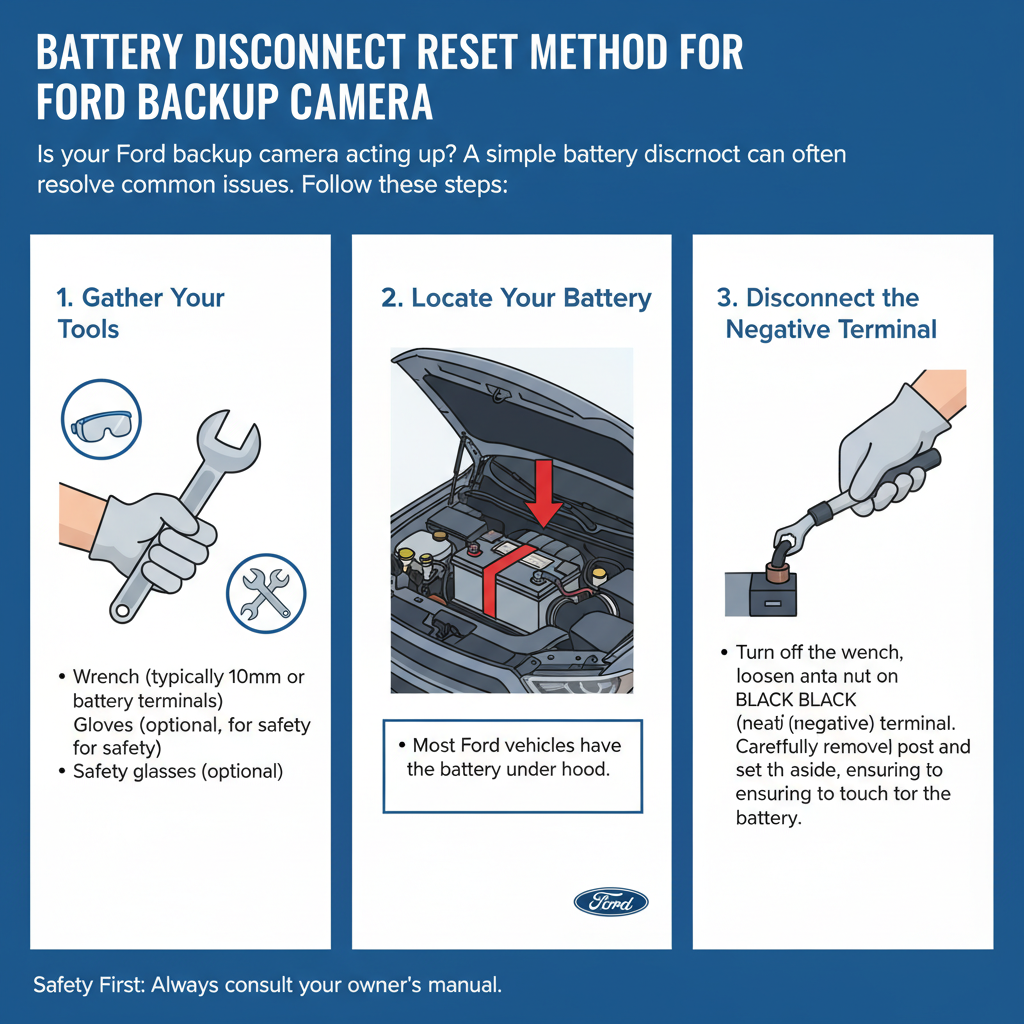
The most effective reset technique involves disconnecting the vehicle’s battery to clear all electronic systems. This method works for most Ford models and resolves software-related camera issues.
Start by turning off the engine and removing the key from the ignition. Locate the battery under the hood and identify the negative terminal, marked with a minus (-) symbol.
Use a wrench to loosen the negative battery cable clamp. Remove the cable completely and ensure it doesn’t touch the battery terminal. Wait 10-15 minutes for all capacitors to discharge fully.
Reconnect the negative cable and tighten the clamp securely. Start the vehicle and test the backup camera by shifting into reverse. The system should initialize and display the rear camera view normally.
SYNC System Reset Procedure
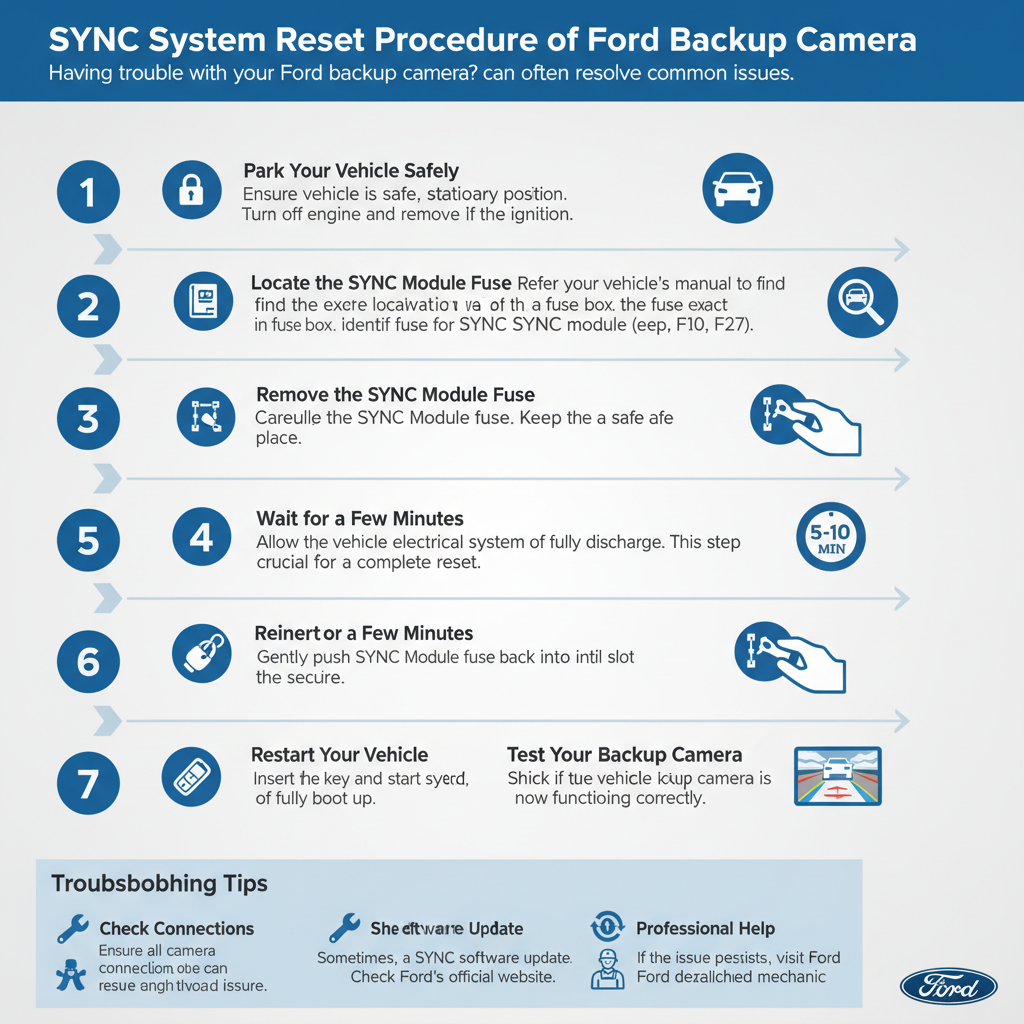
Ford’s SYNC infotainment system includes built-in reset options that can resolve camera connectivity issues. This method preserves your radio presets and phone pairings while clearing camera-related errors.
Access the main SYNC menu by pressing the “Menu” button on your dashboard or touchscreen. Navigate to “Settings” and look for “System” or “General” options.
Select “Master Reset” or “Factory Reset” from the available menu choices. The system will prompt you to confirm the reset action. Choose “Yes” to proceed with the reset process.
The SYNC system will restart automatically, which takes approximately 2-3 minutes. Once complete, test the backup camera functionality by engaging reverse gear.
Fuse Box Inspection and Reset
Backup camera systems rely on specific fuses that can blow due to electrical surges or component failures. Checking and replacing these fuses often resolves camera power issues.
Locate your vehicle’s fuse box, typically found under the dashboard on the driver’s side or in the engine compartment. Consult your owner’s manual for the exact fuse box location and diagram.
Find the fuse labeled for the backup camera, rearview camera, or parking assist system. Remove the fuse using the provided fuse puller tool and inspect it visually.
A blown fuse will show a broken metal filament inside the clear plastic housing. Replace blown fuses with identical amperage ratings to prevent electrical damage.
Software Update Solutions
Outdated SYNC software can cause backup camera compatibility issues and system glitches. Ford regularly releases software updates that address known camera problems and improve system stability.
Check your current SYNC version by accessing the “Settings” menu and selecting “About SYNC.” Note the version number displayed on the screen.
Visit Ford’s official website and navigate to the SYNC updates section. Enter your vehicle identification number (VIN) to find available software updates for your specific model.
Download the update files to a USB drive formatted in FAT32. Insert the USB drive into your vehicle’s USB port and follow the on-screen installation prompts.
Physical Camera Cleaning and Inspection
Dirty or obstructed camera lenses can cause poor image quality or complete system failure. Regular cleaning and visual inspection help maintain optimal camera performance.
Locate the backup camera, usually mounted above the rear license plate or integrated into the tailgate handle. Examine the lens for dirt, mud, snow, or physical damage.
Clean the camera lens using a soft microfiber cloth and mild glass cleaner. Avoid using abrasive materials or harsh chemicals that could damage the lens coating.
Check for loose mounting screws or damaged wiring connections around the camera housing. Tighten loose screws and inspect wire connections for corrosion or damage.
Common Reset Scenarios and Solutions
Different Ford models may require specific reset approaches based on their infotainment system generation and camera integration method. Understanding these variations helps ensure successful troubleshooting.
Ford vehicles with SYNC 1 systems often require battery disconnection for effective resets. These older systems lack advanced diagnostic capabilities and rely on complete power cycling.
SYNC 2 and SYNC 3 equipped vehicles offer more sophisticated reset options through menu-driven interfaces. These systems can perform targeted resets without affecting other vehicle functions.
Newer Ford models with SYNC 4 technology include self-diagnostic features that can automatically detect and resolve minor camera issues without manual intervention.
When Professional Service Is Required
Some backup camera problems require professional diagnosis and repair beyond simple reset procedures. Recognizing these situations prevents unnecessary troubleshooting time and potential system damage.
Hardware failures, such as damaged camera sensors or broken wiring harnesses, cannot be resolved through reset procedures. These issues require component replacement by qualified technicians.
Persistent software errors that survive multiple reset attempts may indicate deeper system problems requiring specialized diagnostic equipment and software tools.
Water damage from flooding or pressure washing can affect camera electronics and require professional assessment to determine repair feasibility and cost-effectiveness.
Preventive Maintenance Tips
Regular maintenance helps prevent backup camera failures and extends system lifespan. Simple preventive measures reduce the likelihood of needing emergency resets or repairs.
Clean the camera lens monthly using appropriate cleaning materials and techniques. Remove debris, salt residue, and environmental contaminants that can affect image quality.
Avoid high-pressure washing directly on the camera housing, as water intrusion can damage internal electronics and cause permanent system failures.
Schedule periodic software updates during routine vehicle maintenance to ensure optimal system compatibility and performance.
Frequently Asked Questions
How long should I disconnect the battery to reset the backup camera?
Disconnect the battery for 10-15 minutes to ensure complete system discharge. Shorter periods may not fully clear all electronic memory, while longer periods provide no additional benefit.
Will resetting the backup camera affect other vehicle systems?
Battery disconnection resets all electronic systems, requiring you to reset radio presets, clock settings, and seat memory positions. SYNC system resets typically preserve these settings while clearing camera errors.
Can I reset the backup camera without tools?
SYNC system resets require no tools and can be performed through the dashboard menu. Battery disconnection requires basic hand tools to remove battery cable connections safely.
Why does my backup camera work intermittently after reset?
Intermittent operation often indicates loose wiring connections or failing camera hardware. While resets may temporarily restore function, professional diagnosis is recommended for persistent intermittent issues.
How often should I reset my Ford backup camera?
Reset the backup camera only when experiencing operational problems. Frequent unnecessary resets can potentially cause system wear and should be avoided during normal operation.
What if the reset doesn’t fix my backup camera problem?
If multiple reset methods fail to restore camera function, the issue likely involves hardware failure requiring professional repair or component replacement.
Are there different reset procedures for different Ford models?
Basic reset principles remain consistent across Ford models, though menu navigation and specific steps may vary depending on the SYNC system generation and vehicle year.
Final Thoughts
Resetting a Ford backup camera typically resolves most common operational issues through simple battery disconnection or SYNC system reset procedures. These methods address software glitches and temporary system errors that account for the majority of backup camera problems.
Regular maintenance, including lens cleaning and software updates, helps prevent camera failures and reduces the need for emergency troubleshooting. When reset procedures fail to restore functionality, professional diagnosis ensures proper repair and prevents further system damage.
Most Ford owners can successfully perform these reset procedures using basic tools and following systematic troubleshooting approaches. Understanding when to attempt DIY solutions versus seeking professional service helps maintain reliable backup camera operation while avoiding unnecessary repair costs.