As an Amazon Associate & Influencer, we earn from qualifying purchases you might make if you click any of the links or buttons on this page at no expense to you.
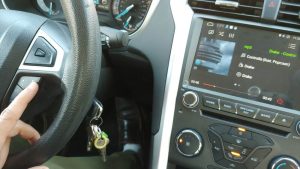
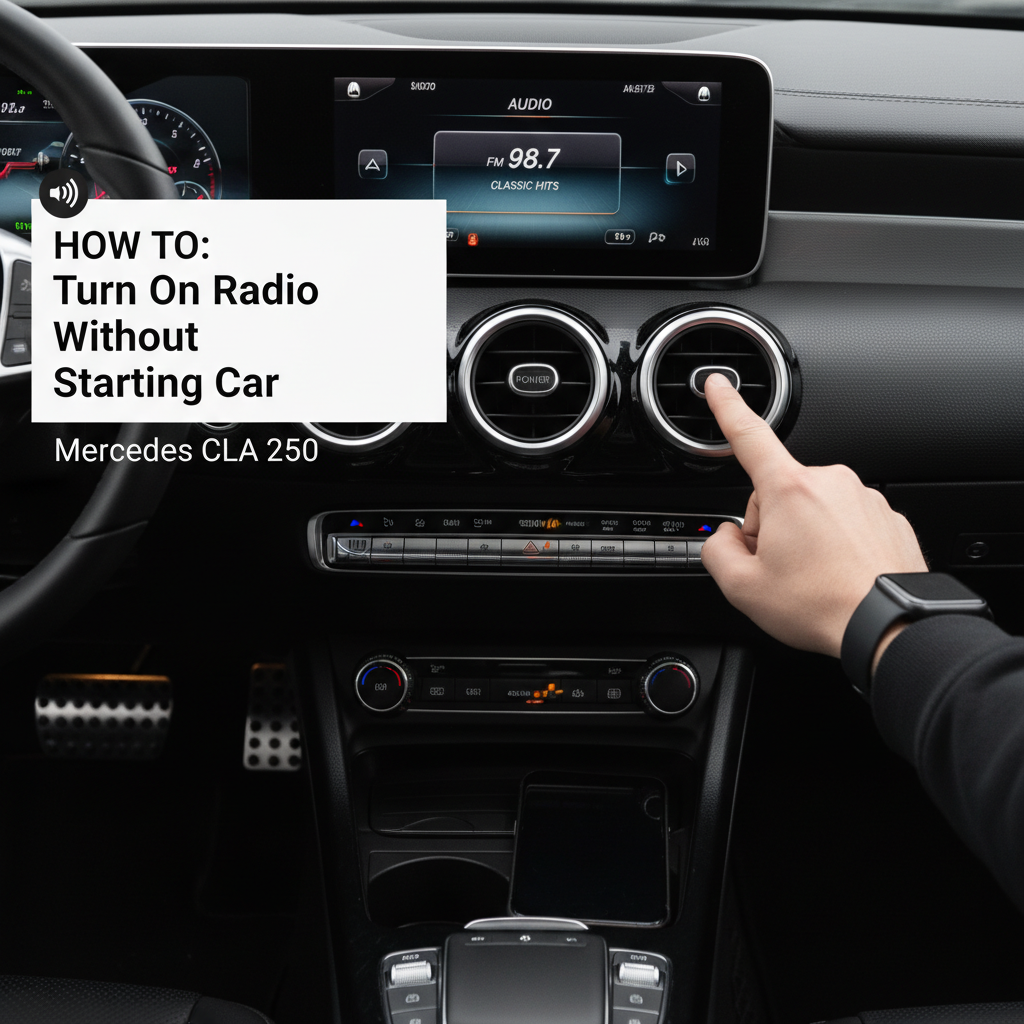
Press the START/STOP button once without pressing the brake pedal to activate accessory mode, then use the COMAND system’s power button or steering wheel controls to turn on the radio. This method preserves battery life while providing full audio functionality.
Modern Mercedes-Benz vehicles, including the CLA 250, feature sophisticated electrical systems that allow drivers to access entertainment features without engaging the engine. Understanding these systems prevents unnecessary fuel consumption and reduces engine wear during brief stops or waiting periods.
Understanding Mercedes CLA 250 Power Modes

The Mercedes CLA 250 operates through three distinct electrical states that control accessory availability. Each mode serves specific purposes and affects battery consumption differently.
Accessory Mode Activation
Press the START/STOP button once without touching the brake pedal. The dashboard illuminates partially, indicating accessory mode engagement. This state powers the infotainment system, climate controls, and charging ports while keeping the engine off.
The system automatically limits power consumption to preserve battery charge. Mercedes engineers designed this mode to operate for approximately 30-45 minutes before entering sleep mode, depending on battery condition and ambient temperature.
Key Position Method (Traditional Key Models)
Earlier CLA 250 models with traditional keys require turning the key to position “I” or “ACC.” This position activates electrical accessories without cranking the engine. The steering wheel remains locked in this position for security purposes.
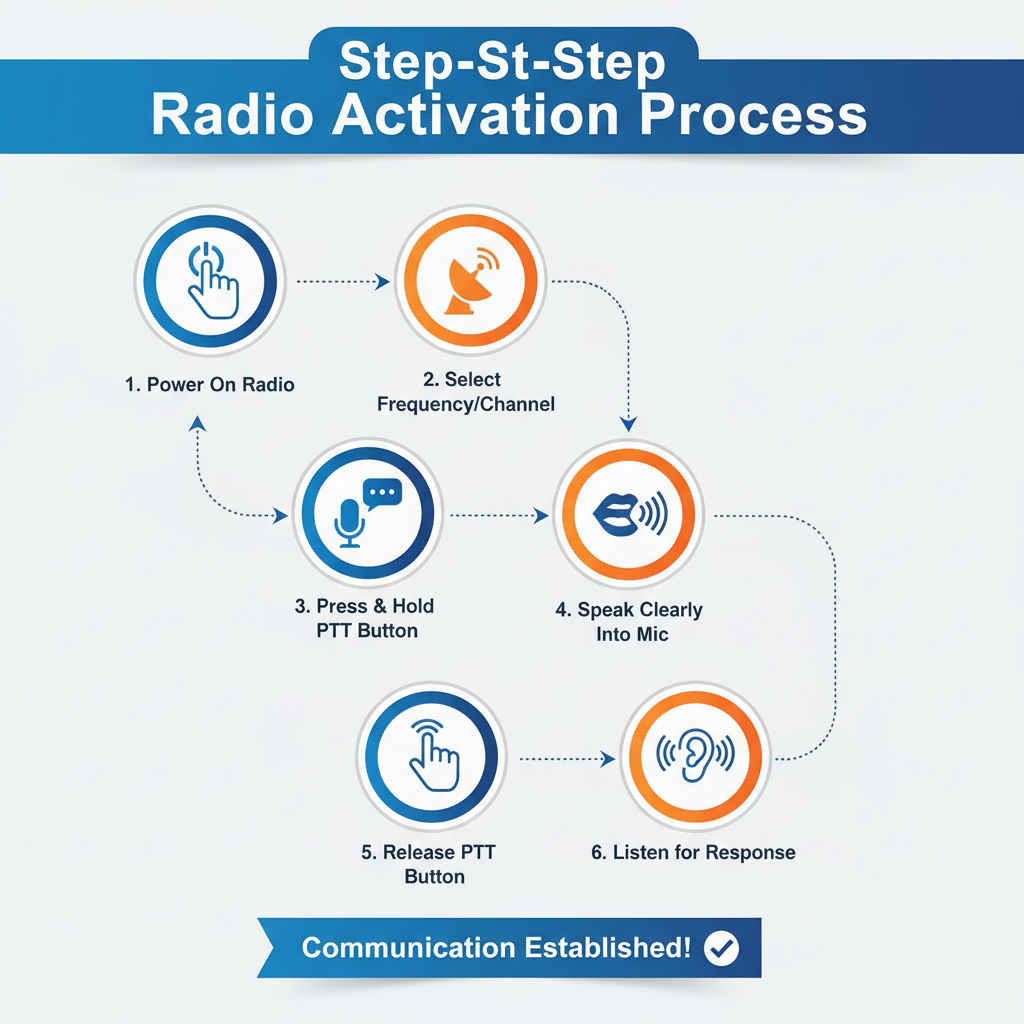
Step-by-Step Radio Activation Process
Method 1: COMAND System Activation
1. Enter accessory mode by pressing START/STOP once without brake engagement
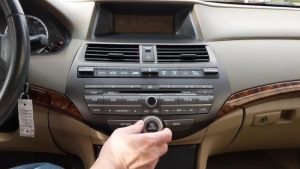
2. Locate the COMAND controller on the center console between the front seats
3. Press the power button (marked with the universal power symbol) on the COMAND unit
The 8.4-inch display screen illuminates, showing the Mercedes-Benz startup sequence. Audio system initialization takes approximately 5-8 seconds depending on system complexity and stored preferences.
Method 2: Steering Wheel Controls
The steering wheel houses dedicated audio controls that function independently of the central display system. These controls provide immediate access to radio functions without navigating through menu systems.
Left steering wheel controls:
– Volume up/down rocker switch
– Source selection button (cycles through AM/FM/SiriusXM/Bluetooth)
– Track skip buttons for media playback
Press any audio control button to wake the system from standby mode. The radio automatically defaults to the last selected source and volume level.
Method 3: Voice Command Activation
Mercedes CLA 250 models equipped with MBUX (Mercedes-Benz User Experience) respond to voice commands even in accessory mode. Press and hold the voice command button on the steering wheel, then say “Hey Mercedes, turn on the radio.”
Voice recognition accuracy improves when windows are closed and ambient noise is minimized. The system processes commands within 2-3 seconds under optimal conditions.
COMAND vs MBUX System Differences
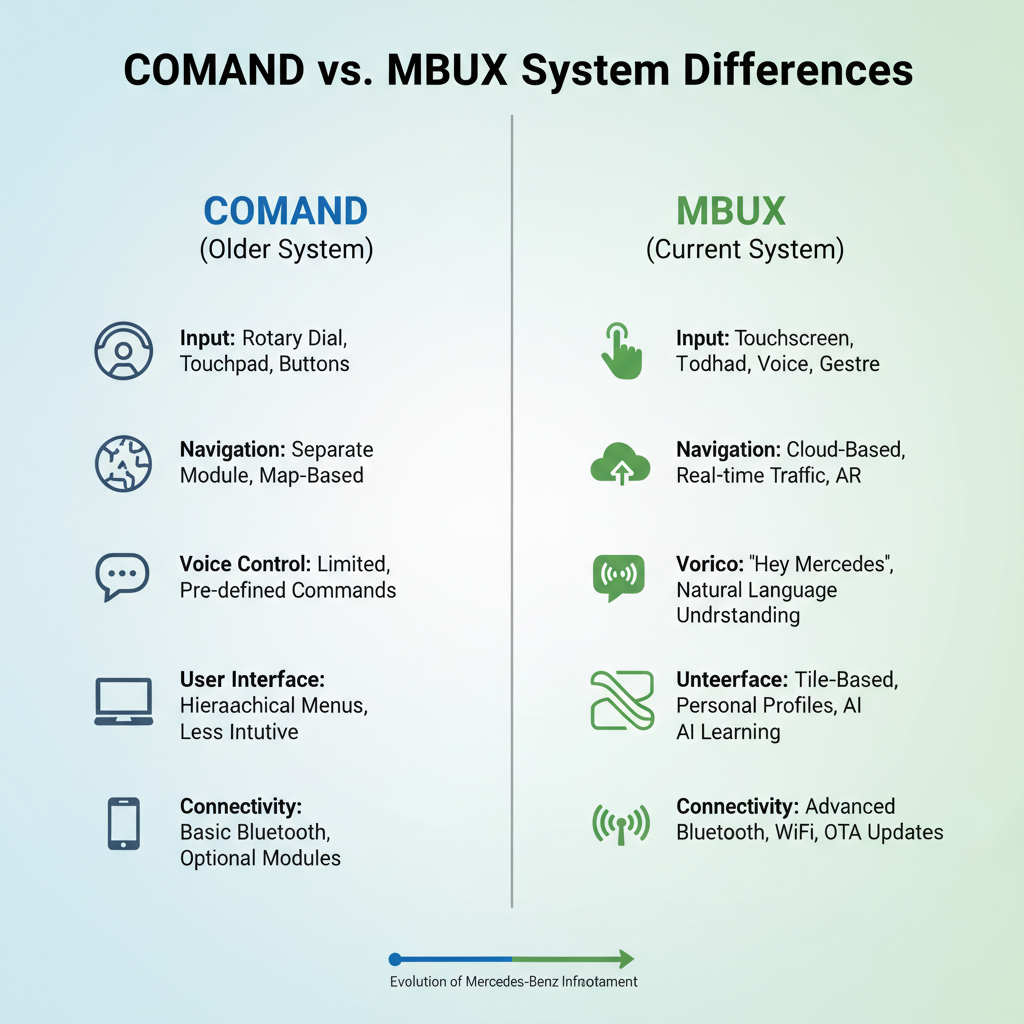
| Feature | COMAND (2014-2018) | MBUX (2019+) |
|---|---|---|
| Display Size | 8.4 inches | 7.0–10.25 inches |
| Voice Activation | Limited commands | Natural language processing (“Hey Mercedes”) |
| Smartphone Integration | Basic Bluetooth | Apple CarPlay/Android Auto |
| Boot Time | 8–10 seconds | 4–6 seconds |
| Customization Options | Preset-based | Learning algorithms (AI) |
Optimizing Battery Life During Radio Use
Power Management Settings
Access the vehicle settings menu through the COMAND or MBUX system to adjust power consumption parameters. Navigate to “Vehicle Settings” → “Electrical Systems” → “Accessory Timeout.”
Modify the automatic shutdown timer from the default 30 minutes to shorter intervals if frequent short-duration use is expected. This prevents deep battery discharge during extended parking periods.
Battery Monitoring Indicators
The instrument cluster displays battery voltage when accessories operate without engine running. Normal voltage ranges between 12.4-12.8 volts for a healthy battery. Voltage below 12.0 volts indicates potential starting difficulties.
Mercedes-Benz recommends limiting accessory use to 20 minutes when the engine temperature is below optimal operating range. Cold batteries provide reduced capacity and require longer charging periods.
Troubleshooting Common Radio Activation Issues
System Unresponsive After Button Press
Check the gear selector position. The transmission must be in Park (P) for accessory mode activation in automatic transmission models. Manual transmission vehicles require the parking brake engagement.
Verify the 12-volt battery condition using a multimeter. Batteries older than 4-5 years may lack sufficient capacity to power accessories reliably without engine support.
Audio System Displays Error Messages
“System Initializing” Message: Allow 15-20 seconds for complete startup. Complex infotainment systems require time to load software modules and establish communication protocols.
“No Signal” or “Check Antenna” Warnings: Inspect the shark fin antenna on the roof for physical damage or loose connections. Radio reception requires proper antenna grounding to the vehicle chassis.
Steering Wheel Controls Non-Functional
Examine the steering wheel control module fuses located in the dashboard fuse box. Fuses F47 and F48 control steering wheel electronics in most CLA 250 models. Replace blown fuses with identical amperage ratings.
Advanced Audio System Features in Accessory Mode
SiriusXM Satellite Radio Operation
Satellite radio functions normally in accessory mode but requires clear sky visibility for signal reception. Underground parking garages or covered areas may cause signal interruption.
The system maintains channel presets and subscription status without engine operation. SiriusXM modules draw minimal power, approximately 0.3 amperes during active reception.
Bluetooth Audio Streaming
Pair smartphones using the standard Bluetooth protocol while in accessory mode. The pairing process consumes additional battery power but establishes permanent device recognition for future connections.
Bluetooth pairing steps:
1. Enable Bluetooth on your mobile device
2. Select “Phone” or “Media” from the COMAND/MBUX menu
3. Choose “Connect Device” and follow on-screen prompts
4. Enter the displayed PIN code on your phone
USB and Auxiliary Input Functionality
USB ports remain powered in accessory mode, allowing device charging and media playback. The system supports various audio formats including MP3, WMA, AAC, and FLAC files.
Auxiliary input through the 3.5mm jack provides analog audio connection for older devices. Audio quality depends on the source device’s output specifications and cable quality.
Professional Maintenance Considerations
Battery Health Assessment
Mercedes-Benz service centers perform comprehensive battery testing using specialized diagnostic equipment. The Battery Test (BT) procedure evaluates cold cranking amperage, internal resistance, and electrolyte specific gravity.
Schedule battery testing every 24 months or 30,000 miles to prevent unexpected failures. Extreme temperature conditions accelerate battery degradation and reduce accessory operation time.
Electrical System Diagnostics
STAR Diagnostic System (SDS) scanners identify electrical faults affecting accessory operation. Common issues include alternator charging irregularities, parasitic current draw, and control module communication errors.
Professional diagnosis costs typically range from $150-250 but prevents costly component replacement due to misdiagnosis.
Frequently Asked Questions
How long can I run the radio without starting the engine?
Healthy batteries support 30-45 minutes of radio operation in accessory mode. Actual duration varies based on battery age, temperature, and additional electrical loads.
Will using the radio without the engine damage my battery?
Occasional accessory use causes no permanent battery damage. Repeated deep discharge cycles below 12.0 volts reduce battery lifespan and capacity.
Can I charge my phone while using the radio in accessory mode?
Yes, USB ports remain powered and provide device charging capability. Simultaneous phone charging and radio operation increases power consumption and reduces available operating time.
Why does my radio turn off automatically after 30 minutes?
Mercedes-Benz programs automatic shutdown to prevent complete battery discharge. This safety feature ensures sufficient power remains for engine starting.
Does accessory mode affect my vehicle’s warranty?
Normal accessory mode operation falls within manufacturer specifications and does not void warranty coverage. Excessive use leading to battery damage may affect battery-specific warranty claims.
Next Steps for Optimal Audio Experience
Master these radio activation techniques to enhance your Mercedes CLA 250 ownership experience. Consider upgrading to premium audio packages if your current system lacks desired features or sound quality. Regular battery maintenance and professional electrical system inspections ensure reliable accessory operation throughout your vehicle’s service life.
Understanding your Mercedes CLA 250’s electrical systems empowers you to utilize advanced features confidently while maintaining vehicle reliability. These techniques provide immediate access to entertainment and communication systems without unnecessary engine operation, supporting both convenience and environmental responsibility.