As an Amazon Associate & Influencer, we earn from qualifying purchases you might make if you click any of the links or buttons on this page at no expense to you.
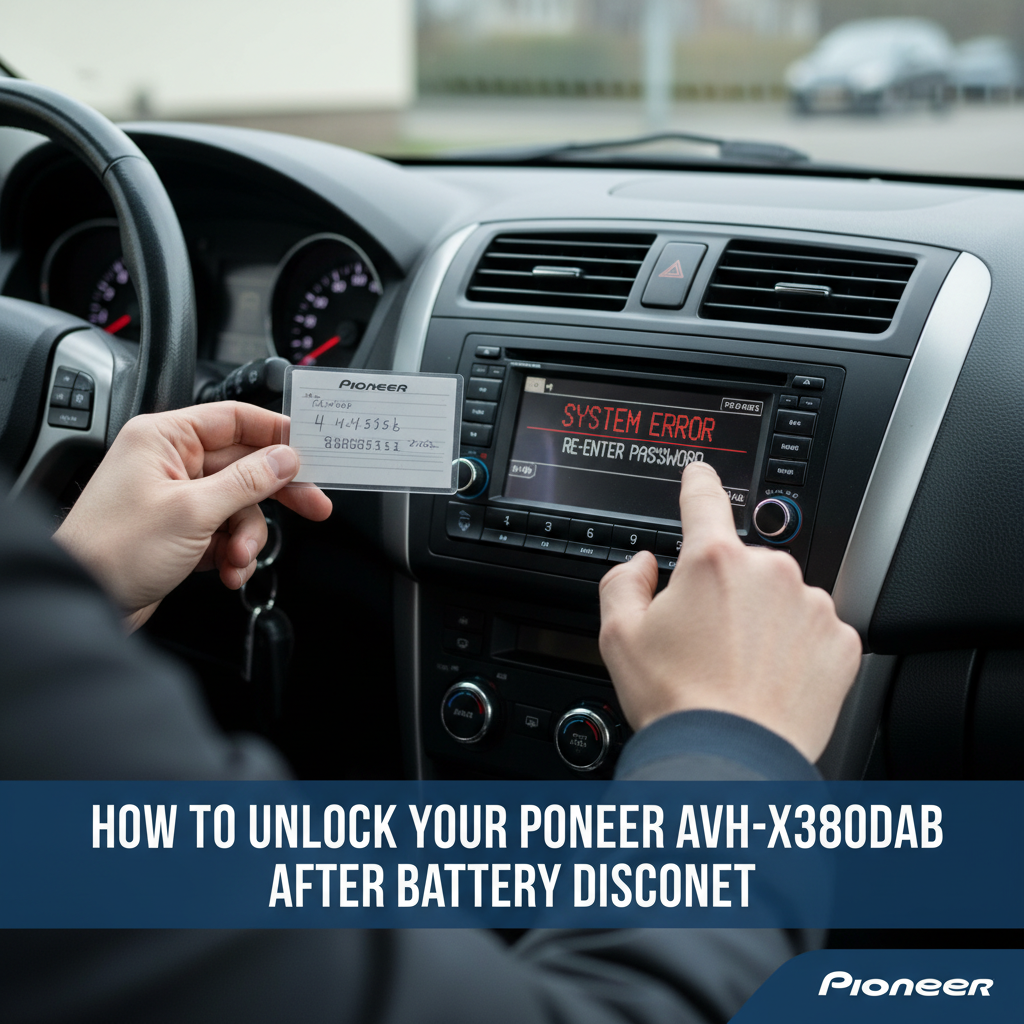
When your car battery dies or gets disconnected, your Pioneer AVH-X3800DAB radio will lock itself as an anti-theft security measure. This common issue leaves many drivers unable to access their radio, navigation, and CarPlay features until the unit is properly unlocked.
To unlock your Pioneer AVH-X3800DAB after battery disconnect, you’ll need the 4-digit security code that came with your radio’s documentation. Enter this code using the radio’s touchscreen when prompted. If you don’t have the code, you can retrieve it using your radio’s serial number through Pioneer’s customer service or authorized dealers.
Understanding the Security Lock Feature
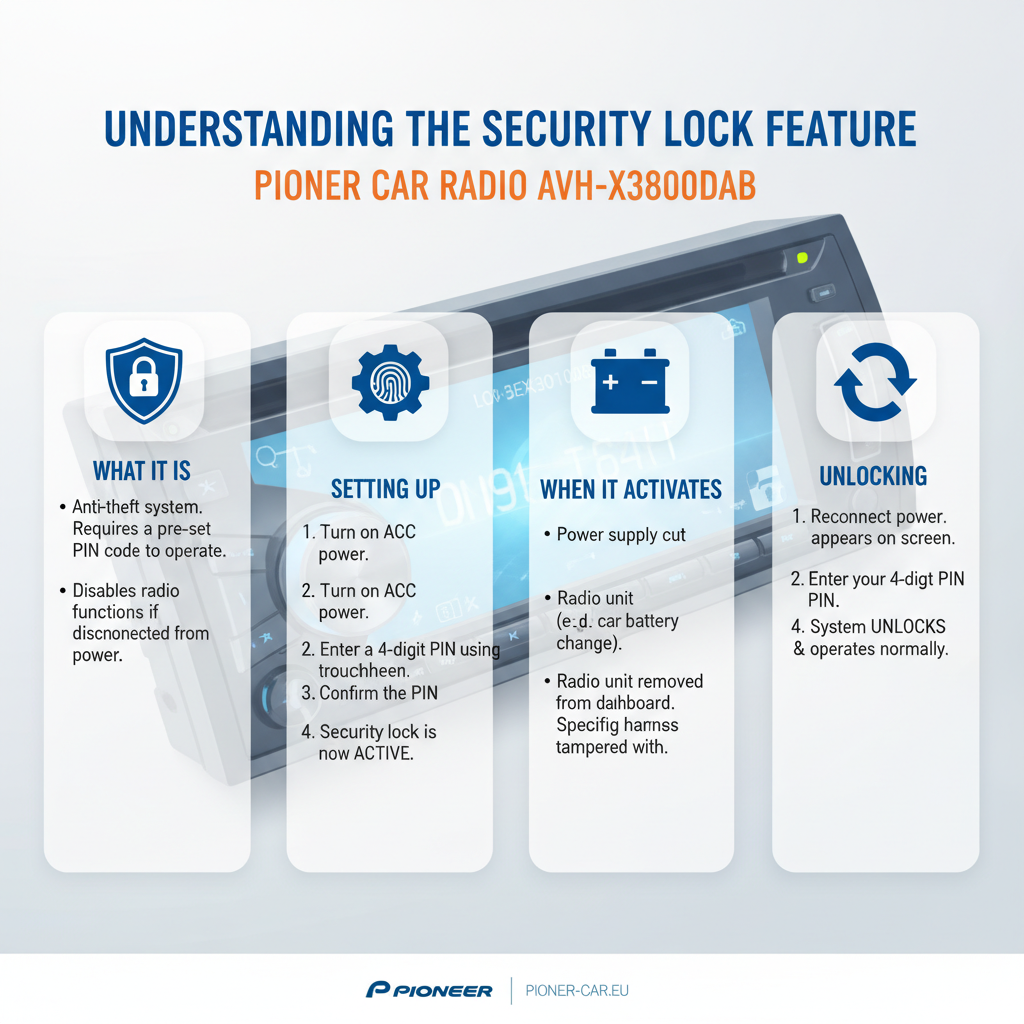
Pioneer car radios include an anti-theft security system that activates whenever power is completely lost. This happens when:
– Your car battery dies completely
– The battery is disconnected for maintenance
– Electrical work is performed on your vehicle
– The radio is removed and reinstalled
The AVH-X3800DAB will display a security code entry screen when you turn on your car after any of these events.
Step-by-Step Unlocking Process
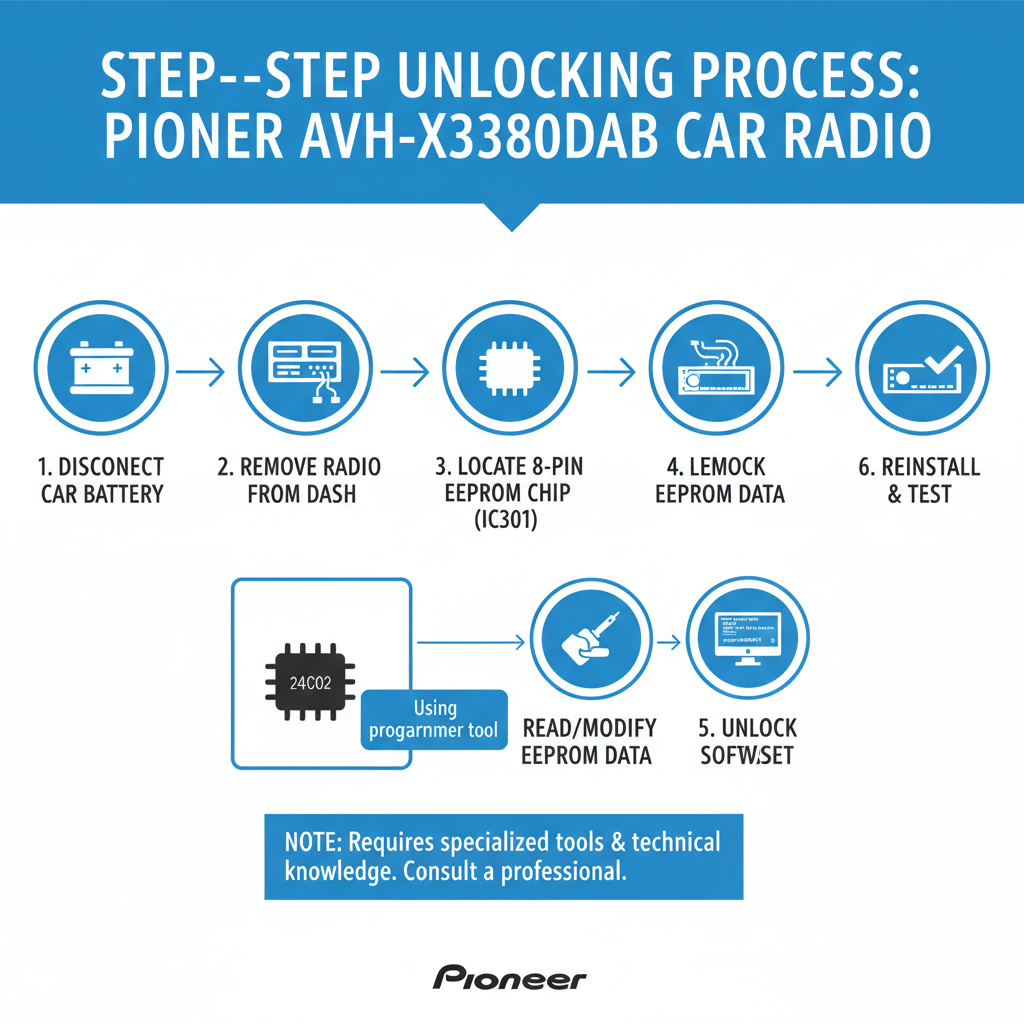
Method 1: Using Your Security Code
If you have your original security code, follow these steps:
1. Turn on your car and radio
2. The display will show “Enter Security Code” or similar message
3. Use the touchscreen to enter your 4-digit code
4. Press “Enter” or “OK” to confirm
5. Your radio should unlock and return to normal operation
Method 2: Locating Your Security Code
Your security code can be found in several places:
Check Your Documentation
– Look in your radio’s original packaging
– Check the owner’s manual or warranty card
– Search for a small card with the code written on it
Vehicle Documentation
– Some dealers write the code in your vehicle’s manual
– Check any paperwork from your car purchase
– Look for service records that might include the code
What to Do If You Can’t Find Your Code
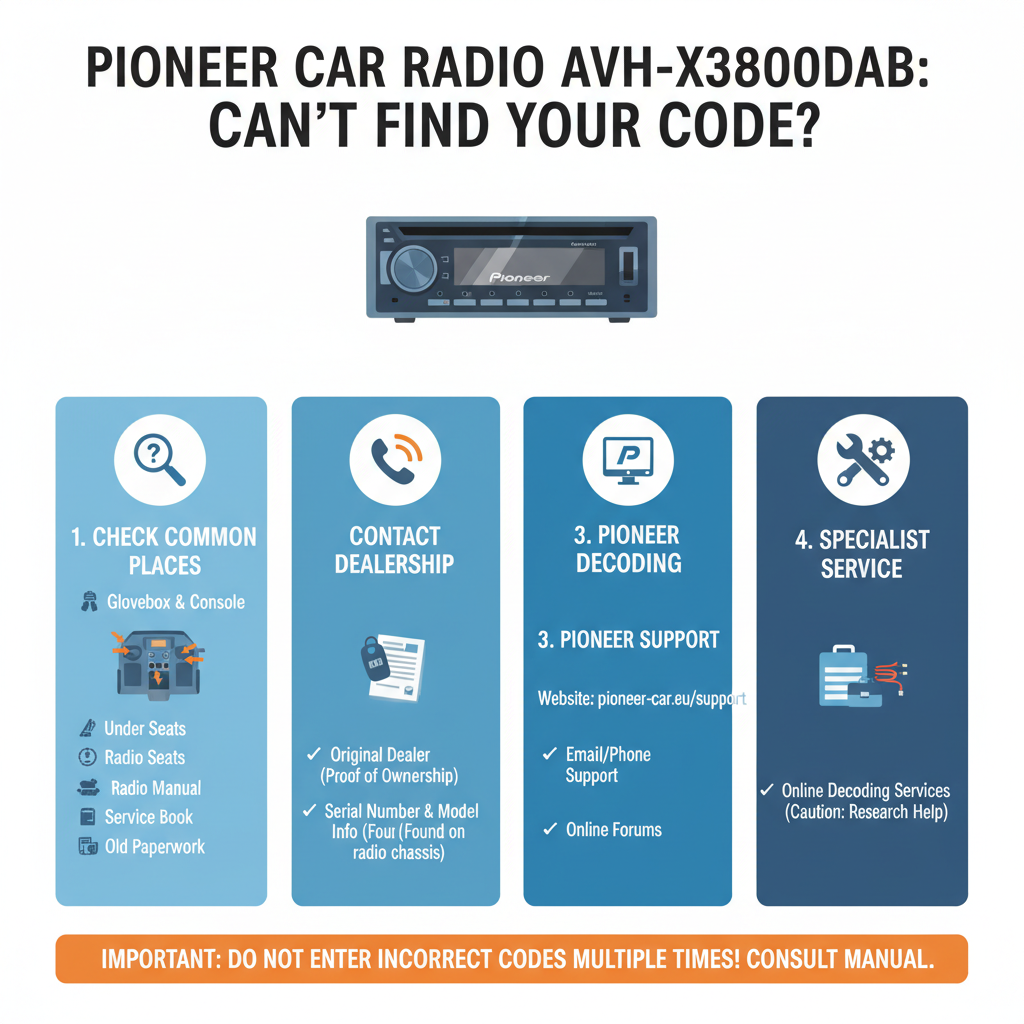
Retrieve Code Using Serial Number
If you can’t locate your security code, you can get it using your radio’s serial number:
1. Find the Serial Number: Look for a sticker on the radio unit itself or check the display menu (if accessible)
2. Contact Pioneer Support: Call Pioneer customer service with your serial number
3. Visit an Authorized Dealer: Many Pioneer dealers can look up your code instantly
4. Online Code Services: Some third-party services can provide codes for a fee
Professional Installation Centers
Car audio shops that install Pioneer systems often have access to code databases and can help unlock your AVH-X3800DAB quickly.
Preventing Future Lockouts
Keep Your Code Accessible
– Write the code in your vehicle’s manual
– Store it in your phone’s notes app
– Keep a photo of the code card
– Share the code with family members who drive your car
Battery Maintenance Tips
Prevent unexpected battery disconnects by:
– Testing your battery regularly
– Replacing old batteries before they fail
– Using a battery tender during long storage periods
– Having electrical work done by professionals who use memory savers
Common Issues and Solutions
Code Not Working
If your security code isn’t accepted:
– Double-check you’re entering the correct 4-digit sequence
– Ensure you’re pressing the touchscreen buttons accurately
– Try entering the code slowly and deliberately
– Restart the radio and try again
Display Problems
Sometimes the AVH-X3800DAB display may be difficult to read after battery disconnect:
– Adjust screen brightness in settings
– Clean the touchscreen surface
– Check all connections are secure
– Allow the unit to fully boot up before entering the code
Multiple Failed Attempts
Most Pioneer radios will temporarily lock after several incorrect code entries:
– Wait 30-60 minutes before trying again
– Ensure you have the correct code before attempting
– Contact support if you’re unsure about the code
Alternative Solutions
Factory Reset Option
Some Pioneer AVH-X3800DAB units offer a factory reset option, but this will erase all your settings:
– Access the system menu if possible
– Look for “Factory Reset” or “Initialize” options
– Note that this removes all saved settings and presets
Professional Service
If standard unlocking methods don’t work:
– Visit an authorized Pioneer service center
– Contact a professional car audio installer
– Consider warranty service if your unit is still covered
Maintaining Your Pioneer System
Regular Backups
The AVH-X3800DAB allows you to save some settings:
– Export your radio presets when possible
– Document your audio settings
– Keep notes about your preferred configurations
Software Updates
Keep your Pioneer radio updated:
– Check for firmware updates periodically
– Updates may improve security features
– Some updates can resolve unlocking issues
FAQ
Q: How long does the security lock last on the AVH-X3800DAB?
A: The security lock remains active until you enter the correct 4-digit code. There’s no automatic timeout period.
Q: Can I bypass the security code requirement?
A: No, the security feature cannot be bypassed or disabled. You must enter the correct code to unlock your Pioneer radio.
Q: What if I bought my car used and don’t have the radio code?
A: Contact the previous owner if possible, or use the radio’s serial number to get the code from Pioneer customer service or an authorized dealer.
Q: Will disconnecting the battery again reset the security lock?
A: Yes, any complete power loss will reactivate the security lock, requiring you to enter the code again.
Q: How many times can I enter the wrong code?
A: Most Pioneer radios allow 3-5 attempts before temporarily locking for 30-60 minutes. After this waiting period, you can try again.
Q: Does the security lock affect CarPlay functionality?
A: Yes, all features including Apple CarPlay remain locked until you enter the correct security code.
Q: Can a car audio shop unlock my radio without the code?
A: Professional installers may have access to code databases or specialized tools, but they still typically need your radio’s serial number to retrieve the proper code.
Conclusion
Unlocking your Pioneer AVH-X3800DAB after battery disconnect is straightforward when you have your security code. The key is keeping this code accessible and knowing where to find it when needed. If you’ve lost your code, don’t panic – Pioneer’s customer service and authorized dealers can help you retrieve it using your radio’s serial number.
Remember to store your security code in multiple safe locations to avoid future frustration. With proper preparation, you can quickly restore your radio, navigation, and CarPlay functionality after any battery-related power loss.