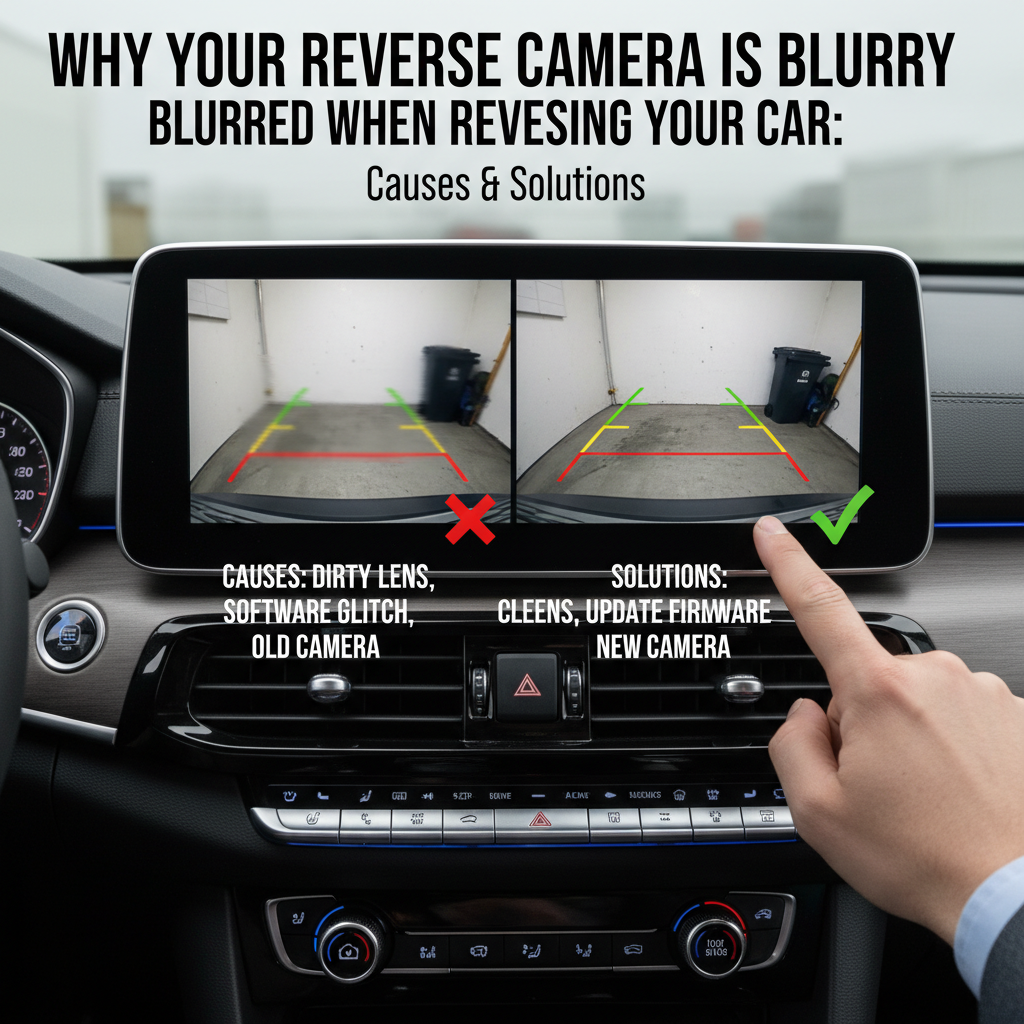
A blurry infotainment display when reversing can turn a simple parking maneuver into a frustrating guessing game. This common issue affects drivers across all vehicle brands and can create serious safety concerns when you need clear visibility the most.
When your infotainment system looks blurred during reverse, it’s typically caused by a dirty backup camera lens, condensation buildup, camera misalignment, or display settings issues. Most cases can be resolved by cleaning the camera lens, adjusting display brightness, or checking cable connections. More complex issues may require professional diagnosis.
Contents
Common Causes of Blurry Reverse Camera Display
Dirty or Obstructed Camera Lens
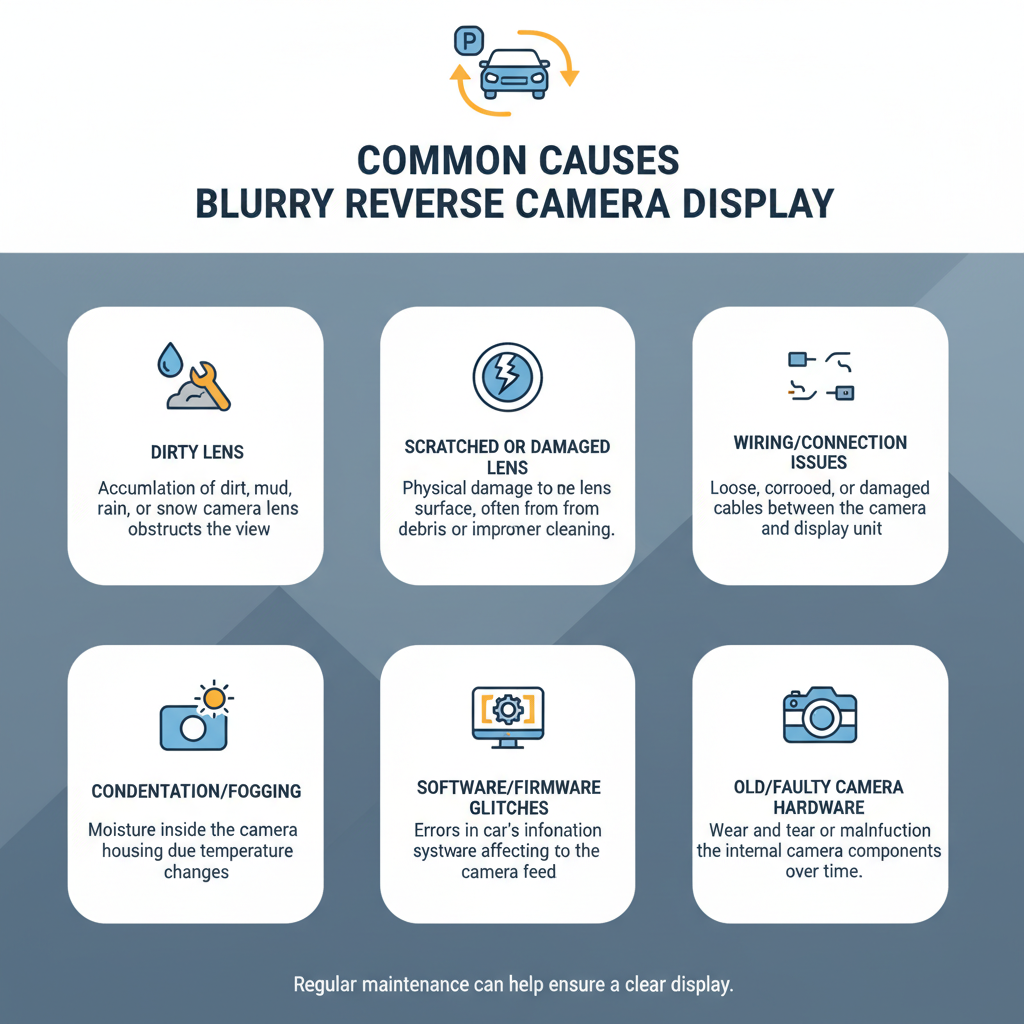
The most frequent culprit behind a blurry reverse display is a dirty camera lens. Your backup camera sits low on your vehicle, making it a magnet for:
– Road dirt and grime
– Water spots and mineral deposits
– Snow and ice buildup
– Mud splashes
– Bird droppings
Even a thin film of dirt can significantly reduce image clarity, making your infotainment screen appear foggy or out of focus.
Condensation and Moisture Issues
Temperature changes create condensation inside the camera housing, especially during:
– Cold mornings when you start a warm car
– Rainy weather followed by sunshine
– Car washes in cold weather
– Parking in heated garages during winter
This moisture acts like fog on a window, creating that frustrating blurred effect on your display.
Camera Alignment Problems
Physical impacts can knock your backup camera out of proper alignment. Common causes include:
– Minor parking lot bumps
– Hail damage
– Improper installation or maintenance
– Vehicle settling over time
When misaligned, the camera struggles to focus properly, resulting in consistently blurry images.
Display Settings and Brightness Issues
Sometimes the problem isn’t the camera at all. Your infotainment system’s display settings might need adjustment:
– Brightness set too high or too low
– Contrast settings creating wash-out effects
– Screen resolution problems
– Software glitches affecting image processing
Step-by-Step Troubleshooting Guide
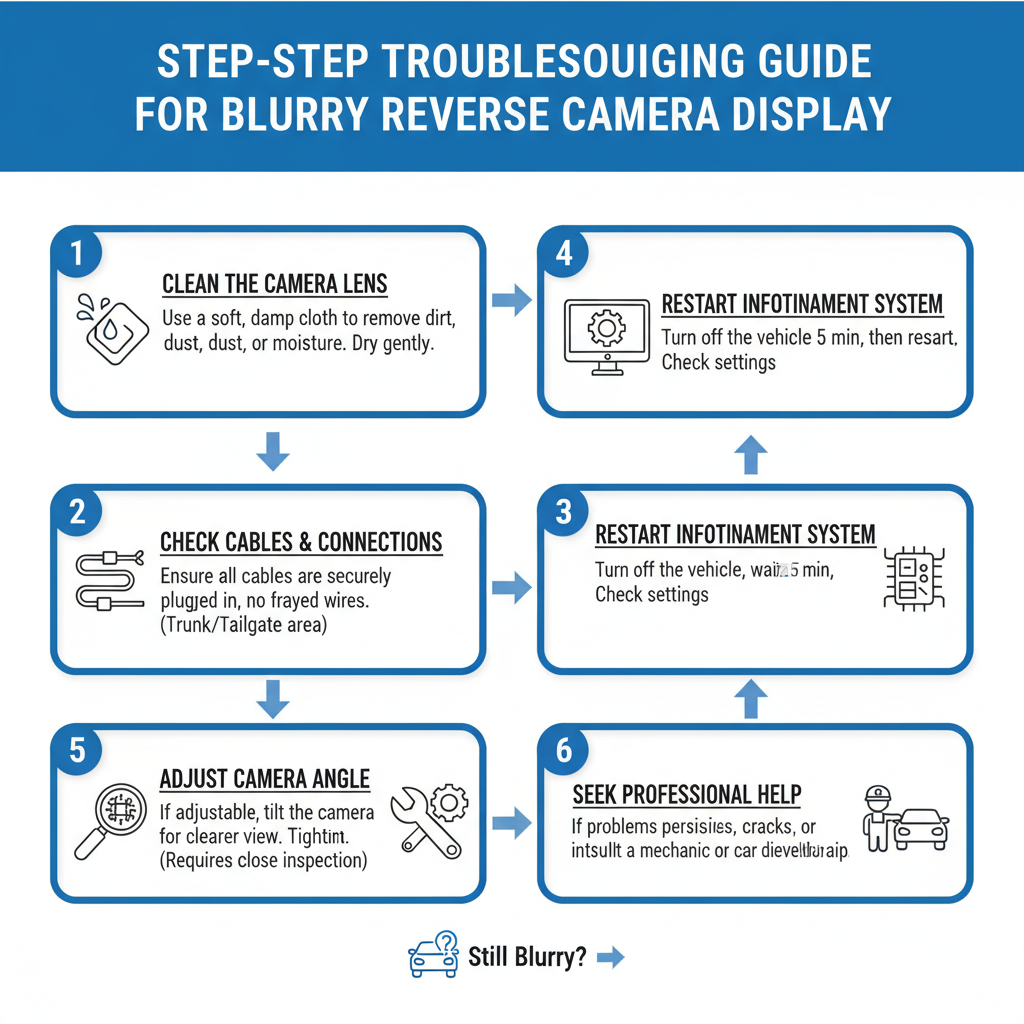
Step 1: Clean the Camera Lens
Start with the simplest solution:
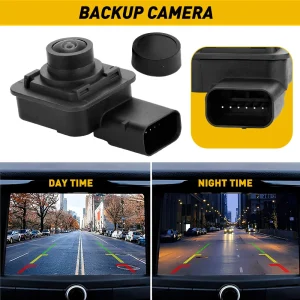
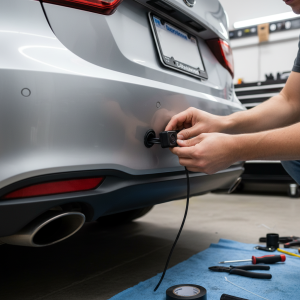
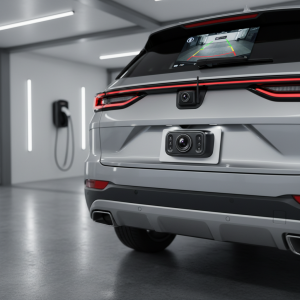
1. Locate your backup camera (usually near the license plate or rear bumper)
2. Use a soft, lint-free cloth slightly dampened with water
3. Gently wipe the lens in circular motions
4. For stubborn spots, use a small amount of glass cleaner
5. Dry completely with a clean cloth
6. Test the camera by shifting into reverse
Step 2: Check Display Settings
Access your infotainment system’s camera settings:
1. Navigate to the camera or display settings menu
2. Adjust brightness to match current lighting conditions
3. Reset contrast to default settings
4. Look for any “image enhancement” or “clarity” options
5. Test different settings while in reverse
Step 3: Inspect Physical Connections
Loose connections can cause image quality issues:
1. Check if the camera housing appears damaged or loose
2. Look for any visible wire damage near the camera
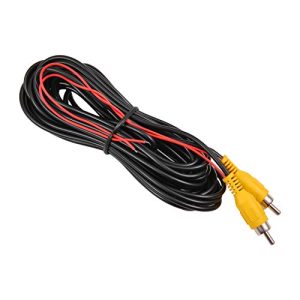
3. Ensure the camera mounting is secure
4. If comfortable, check connections behind the infotainment display
Step 4: Address Condensation Issues
For moisture-related problems:
1. Park in a dry, ventilated area for several hours
2. Use compressed air around the camera housing (carefully)
3. Check if the camera housing seal is intact
4. Consider using a hair dryer on cool setting to speed drying
When to Seek Professional Help
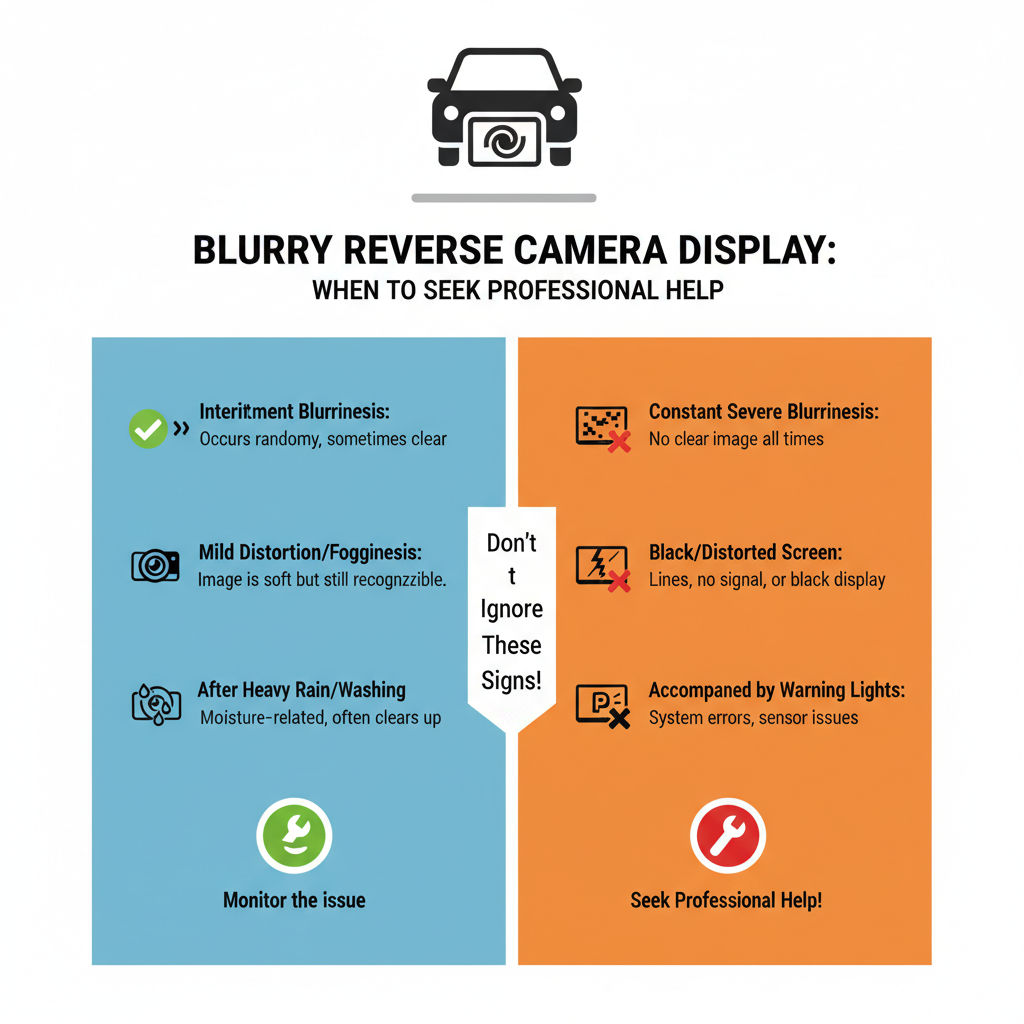
Some situations require expert attention:
Persistent Condensation
If moisture keeps returning inside the camera housing, the seal may be compromised. Professional replacement prevents ongoing issues and potential electrical damage.
Hardware Malfunctions
Modern vehicles like the Toyota Camry and Honda Accord have integrated backup camera systems that may need specialized diagnostic equipment when experiencing electronic failures.
Software Updates
Many newer infotainment systems, including those in Ford F-150 and Chevrolet Silverado models, receive periodic software updates that can resolve display issues.
Prevention Tips for Clear Backup Camera Display
Regular Maintenance
– Clean your backup camera lens monthly
– Include camera inspection in routine car washes
– Check for damage after any rear-end contact
– Keep your infotainment system software updated
Seasonal Considerations
Winter months require extra attention:
– Clear snow and ice before driving
– Allow extra time for condensation to clear
– Consider parking in covered areas when possible
– Use appropriate cleaning products for cold weather
Protective Measures
Some drivers install camera lens protectors or covers, though these must be removed before use. Always prioritize functionality over protection accessories.
Understanding Your Vehicle’s Camera System
Integration with Safety Features
Modern backup cameras often connect to additional safety systems:
– Parking sensors and alerts
– Cross-traffic monitoring
– Automatic emergency braking
– 360-degree camera systems
A blurry display might indicate broader system issues affecting these safety features.
Display Technology Variations
Different vehicles use various display technologies:
– LCD screens (most common)
– LED displays
– OLED systems (luxury vehicles)
– Integrated dashboard displays vs. separate screens
Each type may respond differently to environmental factors and require specific troubleshooting approaches.
FAQ
Why does my backup camera only get blurry in certain weather conditions?
Temperature and humidity changes cause condensation inside the camera housing. Cold weather, rain, or high humidity can trigger this issue. The problem usually resolves as conditions stabilize.
Can I use household cleaners on my backup camera lens?
Stick to water or automotive glass cleaners. Avoid ammonia-based products, abrasive cleaners, or paper towels that might scratch the lens. A microfiber cloth works best.
How much does it cost to replace a faulty backup camera?
Replacement costs vary widely, from $150-$500 for basic aftermarket units to $800-$1,500 for OEM systems in luxury vehicles. Labor adds $100-$300 depending on installation complexity.
Why is my backup camera blurry at night but clear during the day?
Night vision capabilities vary between camera models. Insufficient lighting, dirty lenses, or inadequate infrared sensors can cause poor nighttime image quality. Check your camera’s night vision specifications.
Can software updates fix a blurry backup camera?
Yes, software updates can resolve image processing issues, display calibration problems, and compatibility glitches. Check with your dealer for available updates to your infotainment system.
Is it safe to drive with a blurry backup camera?
While not illegal in most areas, a blurry backup camera reduces safety. Always use mirrors and direct vision when backing up. Address the issue promptly to maintain full safety system functionality.
How often should I clean my backup camera?
Clean your backup camera lens at least monthly, or more frequently if you drive in dusty, muddy, or harsh conditions. Include it in your regular car washing routine.
Key Takeaways
A blurry infotainment display when reversing usually stems from simple, fixable issues. Start with basic cleaning and settings adjustments before considering professional help.
Regular maintenance prevents most backup camera problems. Monthly cleaning and periodic system checks keep your reverse camera functioning clearly when you need it most.
Don’t ignore persistent blur issues. What seems like a minor inconvenience can indicate broader system problems affecting your vehicle’s safety features. Address problems promptly to maintain full functionality and driving safety.
Remember that backup cameras supplement, not replace, traditional backing techniques. Always use mirrors and direct observation regardless of your camera’s condition.