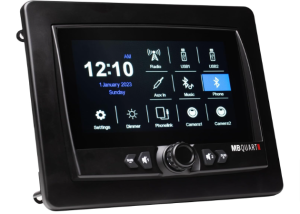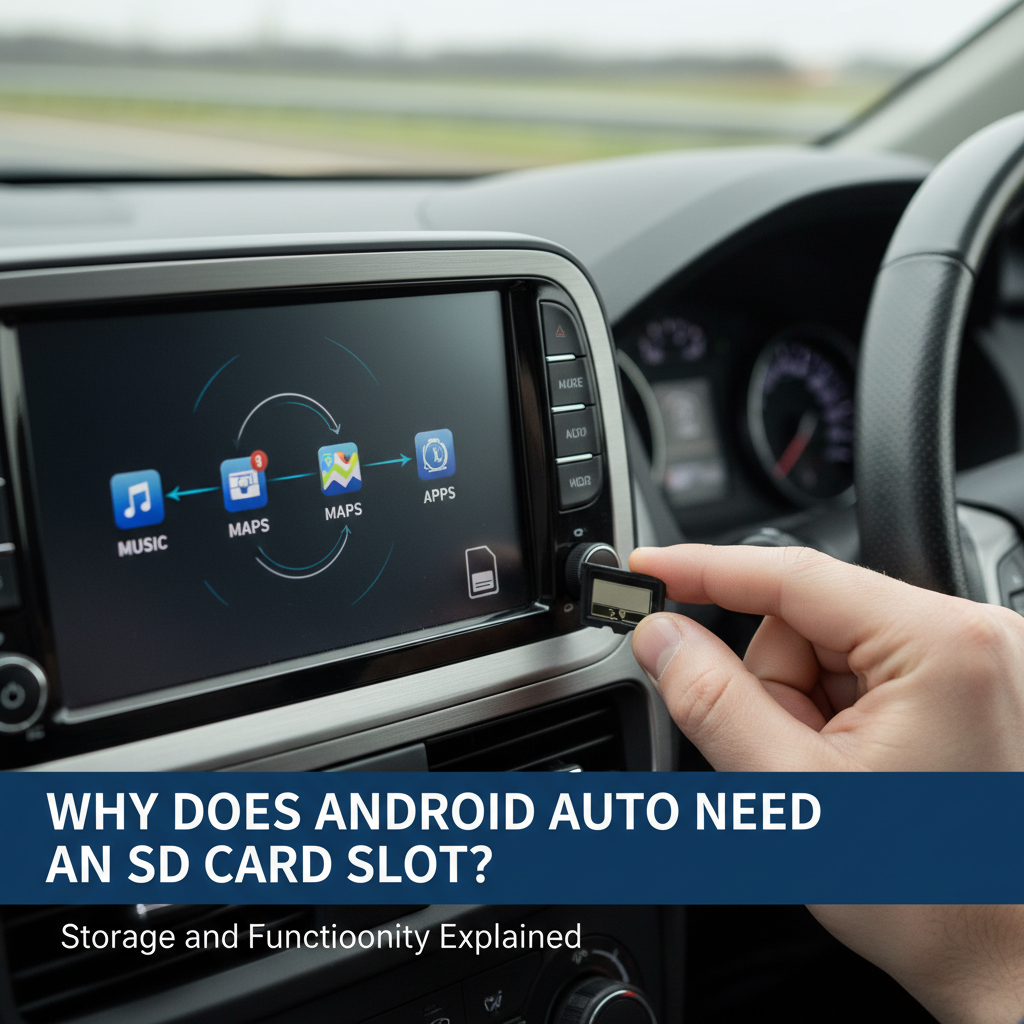
Android Auto displays have become essential for modern driving, but many users wonder about the importance of SD card slots in these devices. Understanding storage requirements helps you choose the right display and maximize its functionality.
Android Auto displays need SD card slots primarily for offline map storage, music libraries, app data, and system updates. While Android Auto streams most content from your phone, local storage ensures functionality during poor connectivity and provides space for cached navigation data, downloaded music, and firmware updates.
Contents
What are Android Auto Display Storage
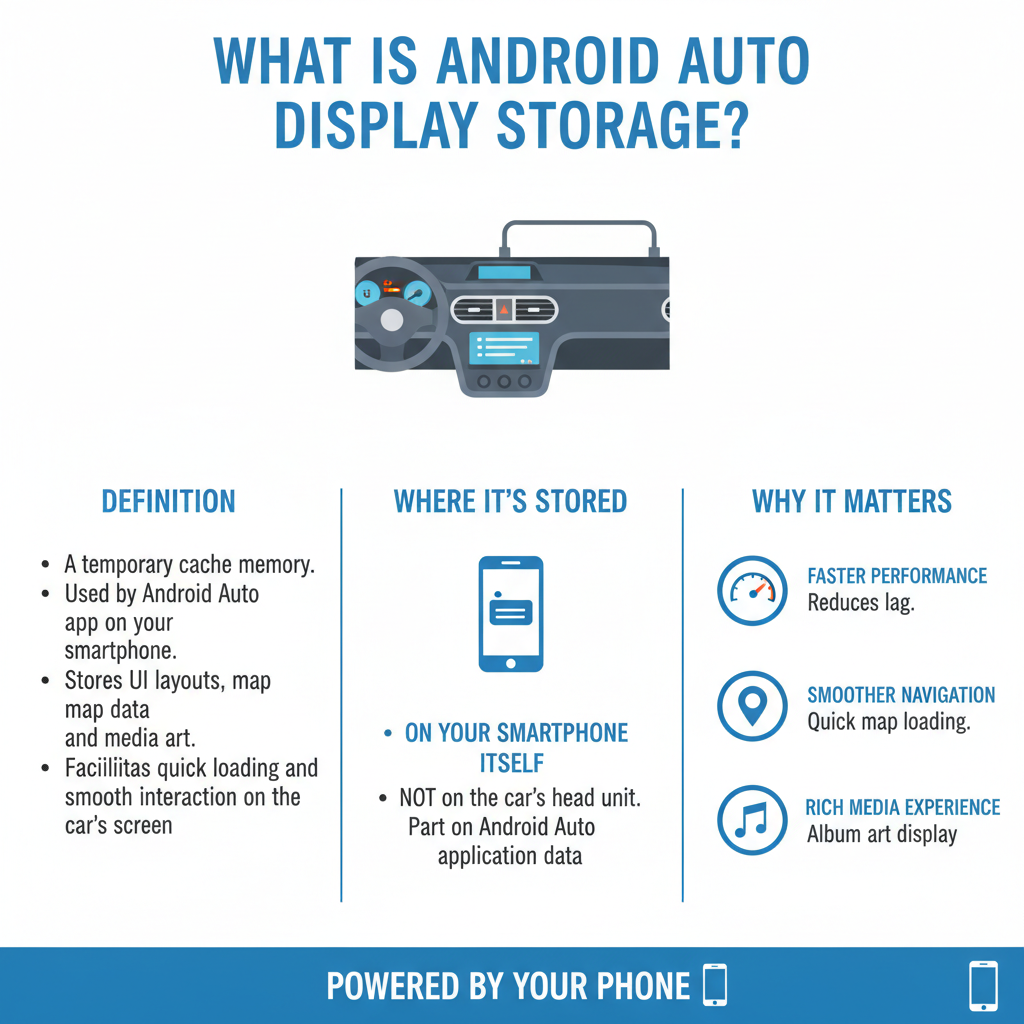
Android Auto displays serve as the interface between your smartphone and vehicle’s infotainment system. While your phone handles most processing, the display unit requires local storage for several critical functions.
The built-in storage on most Android Auto displays ranges from 8GB to 32GB. However, this space fills quickly with essential system files, leaving limited room for user content and cached data.
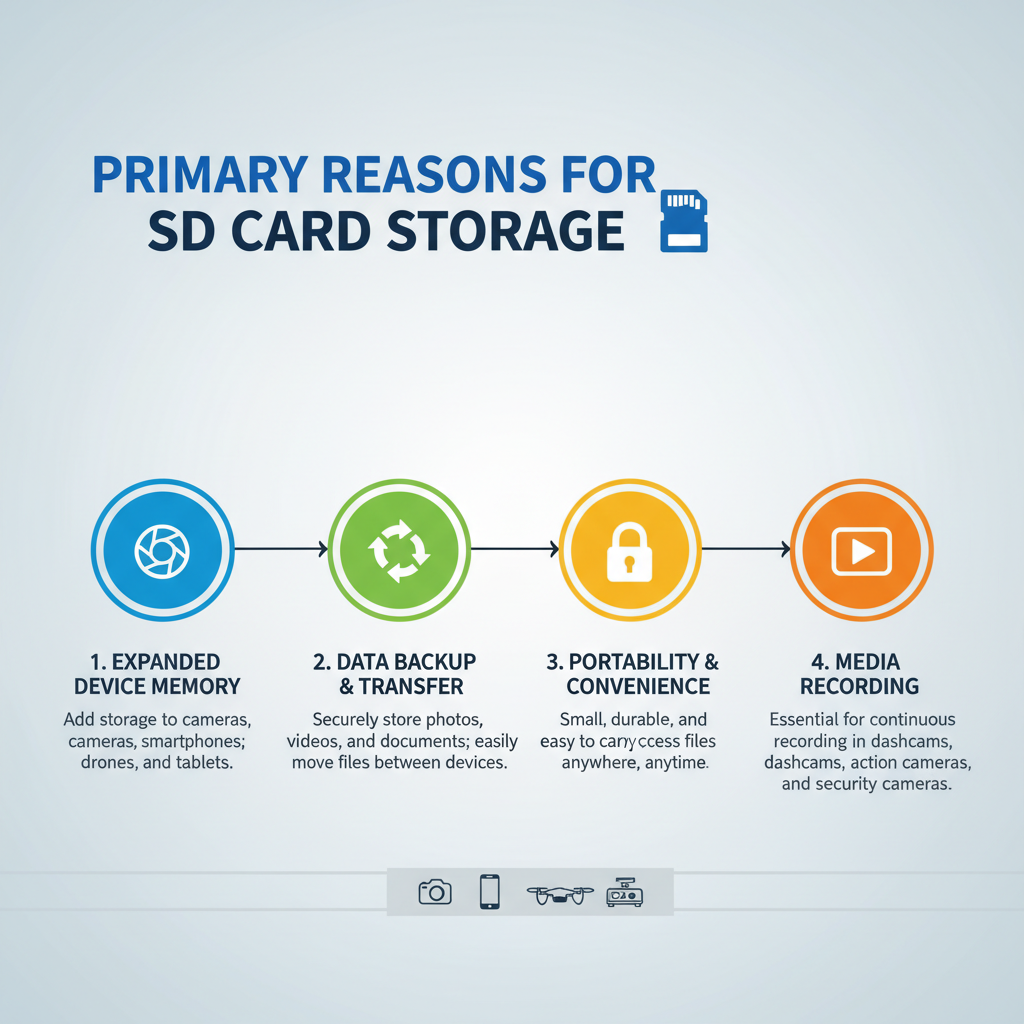
Primary Reasons for SD Card Storage
Offline Navigation and Map Data
Navigation apps like Google Maps and Waze cache map data locally to ensure smooth performance. When you frequently travel the same routes, this cached data prevents constant re-downloading and reduces mobile data usage.
Offline maps can consume 1-5GB per region, depending on detail level and coverage area. Rural drivers or those with limited data plans particularly benefit from storing comprehensive offline maps on SD cards.
Music and Media Storage
Many drivers prefer storing music libraries locally rather than streaming. This approach eliminates buffering issues and conserves mobile data during long trips.
A typical music collection requires significant storage:
– 1,000 songs ≈ 4-8GB
– High-quality audio files ≈ 10-15GB per 1,000 songs
– Podcasts and audiobooks add additional storage needs
App Data and Cache
Android Auto apps generate cache files to improve performance. Navigation history, frequently accessed locations, and user preferences require storage space.
Popular navigation apps can accumulate several gigabytes of cache data over time, especially with regular use across multiple routes and destinations.
System Updates and Firmware
Display units require periodic firmware updates to maintain compatibility with newer Android versions and security patches. These updates often need temporary storage space during installation.
Some units download updates to SD cards before installation, ensuring the process completes successfully without interrupting system operations.
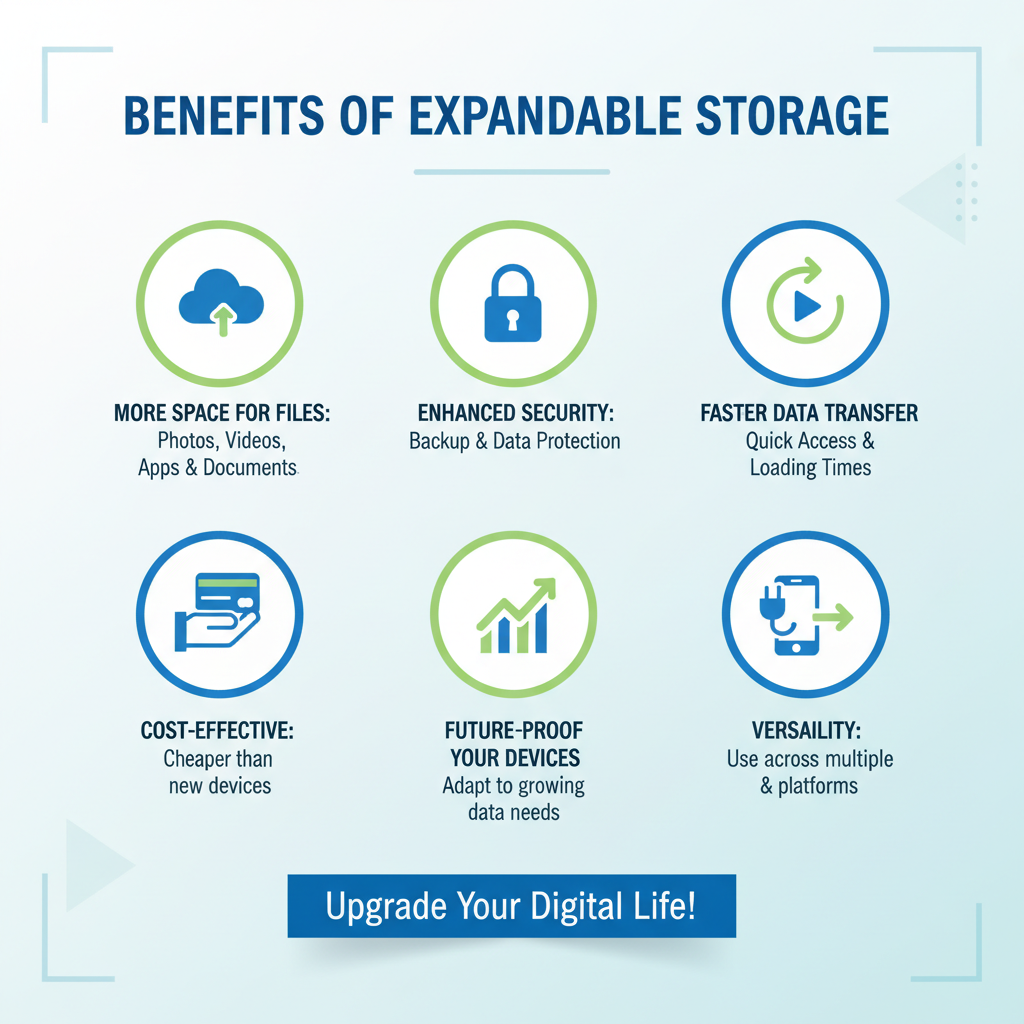
Benefits of Expandable Storage
Improved Performance
Local storage reduces dependency on internet connectivity and phone processing power. Cached maps load faster than streamed data, creating smoother navigation experiences.
The Pioneer DMH-W4660NEX and similar displays demonstrate how adequate storage improves overall system responsiveness and reduces lag during operation.
Reduced Mobile Data Usage
Storing frequently accessed content locally significantly reduces mobile data consumption. This benefit proves especially valuable for users with limited data plans or those traveling through areas with expensive roaming charges.
Enhanced Reliability
Local storage provides backup functionality when internet connections become unstable. Offline maps ensure navigation continues working in remote areas or during network outages.
SD Card Specifications for Android Auto
Recommended Capacity
Most Android Auto displays support SD cards up to 128GB or 256GB. For typical usage, 32-64GB provides sufficient space for offline maps, music collections, and app data.
Power users with extensive media libraries may prefer 128GB cards to accommodate large music collections and multiple regional map sets.
Speed Requirements
Class 10 or UHS-I SD cards ensure adequate read/write speeds for smooth media playback and map loading. Slower cards may cause stuttering during music playback or delayed map rendering.
High-quality cards from reputable manufacturers provide better reliability and longevity in automotive environments with temperature fluctuations.
Compatibility Considerations
Check your display’s maximum supported SD card capacity before purchasing. Some older units only support cards up to 32GB, while newer models accept larger capacities.
File system compatibility also matters – most displays support FAT32 formatting, though some newer units accept exFAT for larger file support.
Alternative Storage Solutions
USB Storage
Many Android Auto displays also support USB flash drives or external hard drives. These alternatives offer similar benefits to SD cards but may be less convenient for permanent installation.
Cloud Integration
While not replacing local storage needs, cloud services provide backup and synchronization capabilities. However, cloud access requires stable internet connections, making local storage still essential.
Choosing the Right Display
Storage-Focused Features
When selecting an Android Auto display, consider both built-in storage capacity and expandable storage options. Units with larger internal storage reduce immediate SD card requirements but may still benefit from expansion capabilities.
The Kenwood DMX907S and similar models offer generous built-in storage while maintaining SD card compatibility for future expansion needs.
Future-Proofing Considerations
Choose displays supporting larger SD card capacities than currently needed. App sizes and offline content requirements typically increase over time, making expandable storage increasingly valuable.
Installation and Setup Tips
Formatting Requirements
Format SD cards using the display unit when possible. This ensures optimal compatibility and file system structure for your specific device.
Organization Best Practices
Create separate folders for different content types:
– Music/Audio
– Maps/Navigation
– Apps/Data
– Updates/Firmware
This organization simplifies content management and troubleshooting.
Regular Maintenance
Periodically check SD card health and available space. Remove unnecessary cached data and outdated offline maps to maintain optimal performance.
FAQ
Do all Android Auto displays need SD cards?
Not all displays require SD cards, but most benefit significantly from expandable storage. Basic functionality works without SD cards, though performance and offline capabilities improve with local storage.
What happens if I don’t use an SD card?
Your display will function but may experience slower performance, increased mobile data usage, and limited offline capabilities. Navigation apps will re-download map data more frequently.
Can I use any SD card brand?
While most brands work, choose reputable manufacturers like SanDisk, Samsung, or Kingston for better reliability. Cheap cards may fail prematurely in automotive environments.
How much storage do I actually need?
32-64GB handles most users’ needs, including offline maps for several regions and moderate music collections. Heavy media users may prefer 128GB or larger.
Will SD cards work in extreme temperatures?
Quality SD cards rated for automotive use handle temperature extremes better than standard cards. Look for cards specifically designed for automotive applications.
Can I share SD cards between different displays?
Generally yes, though some displays format cards with proprietary structures. Reformatting may be necessary when switching between different display models.
Do SD cards affect Android Auto connection speed?
SD cards don’t directly impact Android Auto connection speeds, but they reduce the need for constant data streaming, creating a smoother overall experience.
Conclusion
SD card slots provide essential expandable storage for Android Auto displays, enabling offline navigation, local media storage, and improved system performance. While not always mandatory, SD cards significantly enhance functionality and reduce mobile data dependency.
Choose quality SD cards with adequate capacity for your needs, and organize content effectively to maximize benefits. The investment in expandable storage pays dividends through improved reliability, reduced data costs, and enhanced driving experiences.
Consider your specific usage patterns – frequent travelers and music enthusiasts benefit most from larger storage capacities, while casual users may find smaller cards sufficient for basic offline functionality.