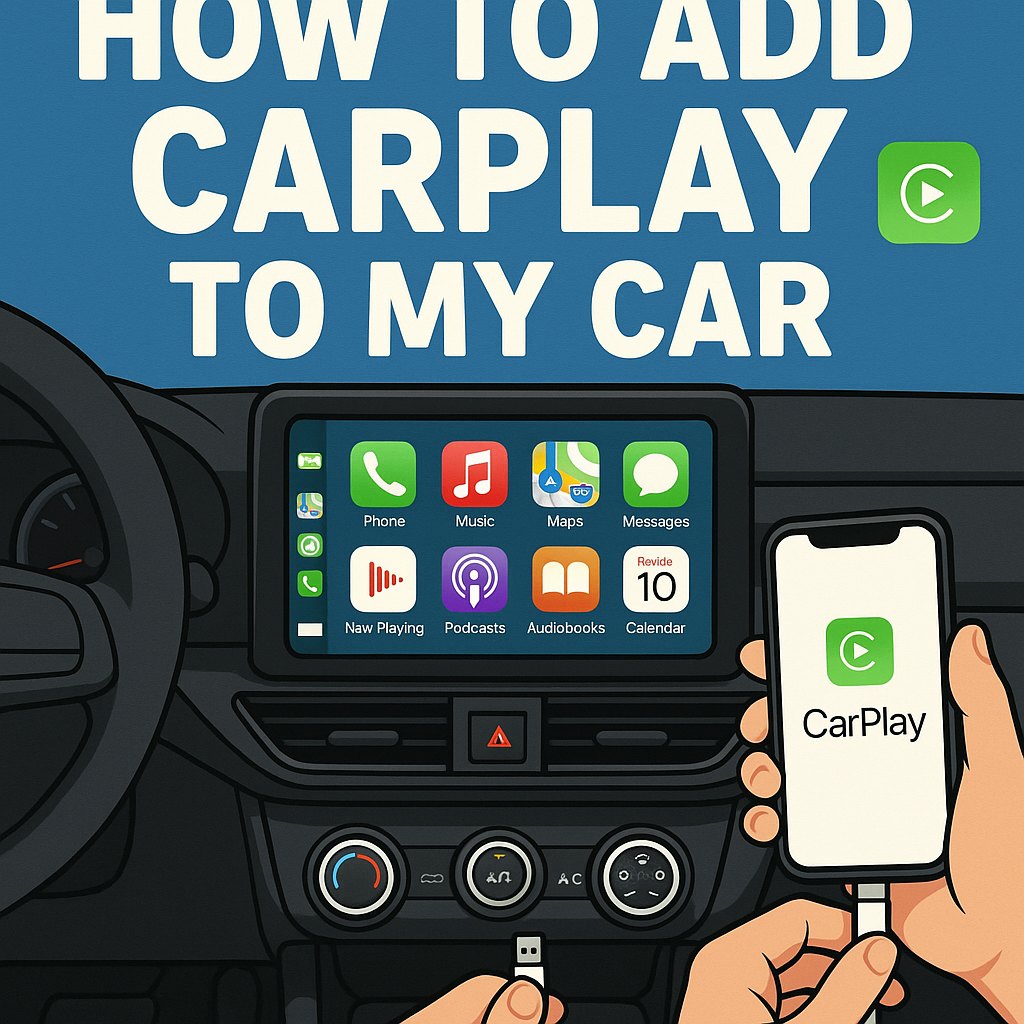
Are you wondering how to add CarPlay to my car without breaking the bank? You’re not alone. Many drivers want to enjoy Apple’s seamless smartphone integration but don’t want to buy a new vehicle just for this feature. The good news is that adding CarPlay to your existing car is easier than you might think.
Whether you drive an older model or a newer car without built-in CarPlay support, there are several affordable solutions available. This comprehensive guide will walk you through different methods to bring Apple CarPlay functionality to your dashboard, from simple plug-and-play devices to professional installations.
Contents
Apple CarPlay and Your Options
Apple CarPlay transforms your car’s infotainment system into an iPhone-friendly interface. This technology allows you to access maps, music, messages, and apps safely while driving. Before diving into installation methods, it’s important to understand what CarPlay retrofit options are available.
Most vehicles manufactured before 2016 don’t have native CarPlay support. However, this doesn’t mean you’re stuck with outdated technology. Today’s aftermarket CarPlay solutions offer the same functionality as factory-installed systems, often at a fraction of the cost of buying a new car.
The key is choosing the right CarPlay upgrade method for your specific vehicle and budget. Some solutions require professional installation, while others can be installed at home with basic tools.
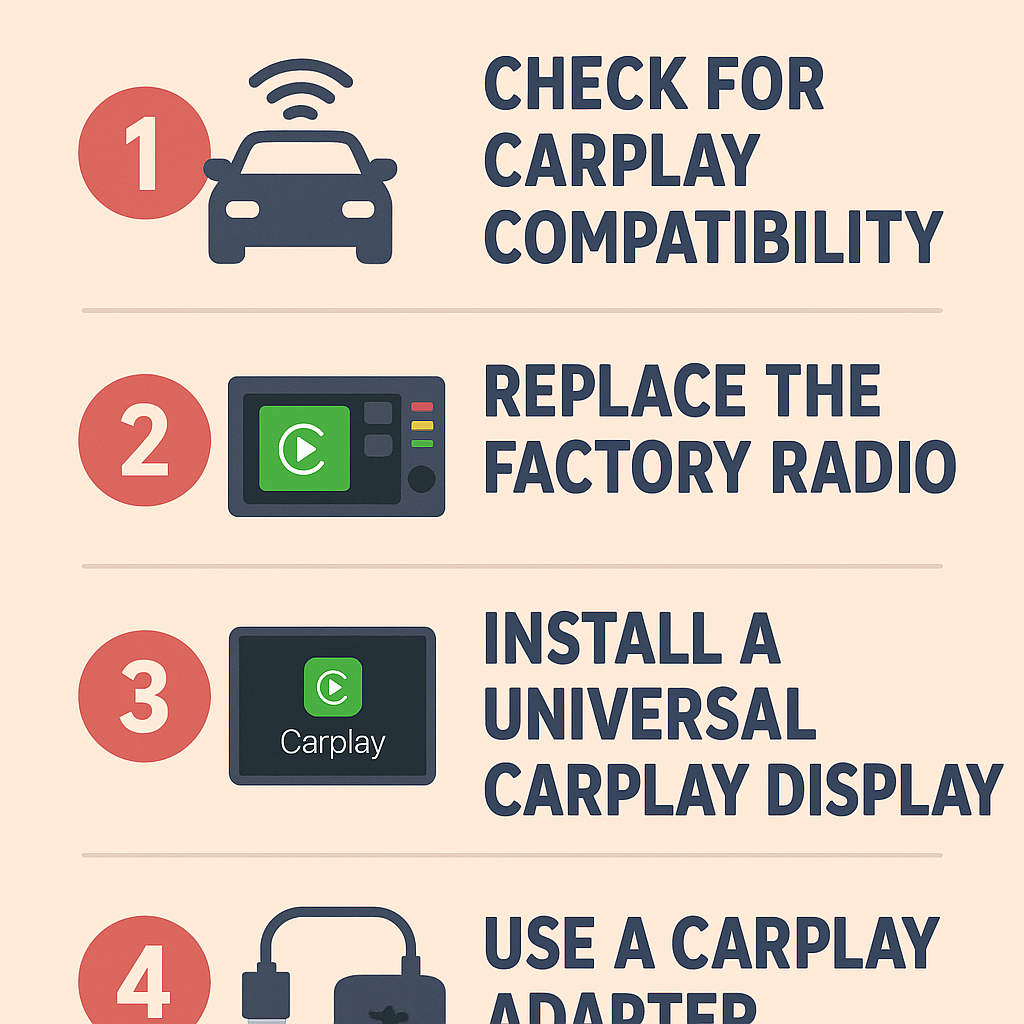
Method 1: Aftermarket CarPlay Head Units
What You’ll Need
– Compatible CarPlay stereo head unit
– Vehicle-specific wiring harness
– Dash kit for your car model
– Basic installation tools
– Professional installation (recommended)
Step-by-Step Installation Process
Step 1: Choose the Right Head Unit
Research CarPlay-compatible stereos that fit your vehicle’s dashboard. Popular brands include pioneer, Kenwood, Sony, and Alpine. Make sure the unit matches your car’s dimensions and electrical requirements.
Step 2: Gather Installation Materials
Purchase a vehicle-specific wiring harness and dash kit. These components ensure your new CarPlay system integrates properly with your car’s existing electrical system and interior design.
Step 3: Remove the Old Stereo
Carefully disconnect your car’s battery before starting. Remove the dashboard panels surrounding your current stereo. Unplug the wiring harnesses and antenna connection from the old unit.
Step 4: Install the New CarPlay System
Connect the new wiring harness to your CarPlay head unit. Plug the harness into your car’s factory wiring. Secure the new stereo in the dash using the provided mounting hardware.
Step 5: Test the Installation
Reconnect your car’s battery and test all functions. Pair your iPhone with the new CarPlay system and verify that all features work correctly.
This method typically costs between $200-$800 depending on the head unit quality and installation complexity.
Method 2: Portable CarPlay Adapters
Wireless CarPlay Dongles
Portable carplay adapters offer the simplest installation process. These compact devices plug into your car’s USB port or connect wirelessly to provide instant CarPlay functionality.
Installation Steps:
Step 1: Purchase a Compatible Adapter
Choose a wireless CarPlay dongle that works with your vehicle’s existing infotainment system. Popular options include CarlinKit and OTTOCAST adapters.
Step 2: Connect the Device
Plug the adapter into your car’s USB port. Some models require connection to your car’s OBD-II port for power.
Step 3: Pair Your iPhone
Follow the manufacturer’s pairing instructions to connect your iPhone to the CarPlay adapter via Bluetooth and Wi-Fi.
Step 4: Configure Settings
Adjust display settings and customize your CarPlay interface according to your preferences.
Portable adapters typically cost $100-$300 and require no permanent modifications to your vehicle.
Method 3: CarPlay Display Screens
Tablet-Style CarPlay Solutions
Dashboard-mounted CarPlay displays offer a modern upgrade without replacing your existing stereo system. These screens typically range from 7 to 12 inches and provide full CarPlay functionality.
Installation Process:
Step 1: Select the Right Screen Size
Choose a CarPlay display that fits your dashboard layout without obstructing important controls or airbags.
Step 2: Plan the Installation
Determine the best mounting location and power source for your carplay screen. Most units can connect to your car’s 12V outlet or be hardwired to the electrical system.
Step 3: Mount the Display
Use the included mounting hardware to secure the CarPlay screen to your dashboard or windshield. Ensure the screen doesn’t interfere with driving visibility.
Step 4: Connect Power and Pair
Connect the power cable and pair your iPhone with the CarPlay display following the manufacturer’s instructions.
These solutions typically cost $150-$500 and offer excellent flexibility for different vehicle types.
Professional vs. DIY Installation
When to Choose Professional Installation
Professional installation is recommended for aftermarket head units, especially in newer vehicles with complex electrical systems. Certified installers have experience with vehicle-specific challenges and can ensure warranty coverage.
Benefits of professional installation include:
– Proper integration with steering wheel controls
– Warranty protection
– Clean, factory-like appearance
– Troubleshooting support
DIY Installation Considerations
DIY installation works well for portable CarPlay solutions and some aftermarket head units in older vehicles. This approach saves money but requires basic technical skills and patience.
Consider DIY installation if:
– You have experience with car electronics
– Your vehicle has a simple stereo system
– You’re comfortable following detailed instructions
– You have access to proper tools
Choosing the Best CarPlay Solution for Your Vehicle
Budget-Friendly Options
If you’re looking for an affordable way to add CarPlay functionality, portable adapters and basic aftermarket head units offer excellent value. These solutions provide core CarPlay features without the high cost of premium installations.
Premium CarPlay Upgrades
For drivers who want the best possible experience, high-end aftermarket head units with large touchscreens, wireless connectivity, and advanced features provide a factory-like experience with enhanced functionality.
Vehicle-Specific Considerations
Some vehicles have unique requirements that affect CarPlay installation options. Luxury cars with integrated climate controls in the infotainment system may require specialized solutions to maintain all functionality.
Troubleshooting Common CarPlay Installation Issues
Connection Problems
If your CarPlay system isn’t connecting properly, check all wiring connections and ensure your iPhone’s software is up to date. Restart both your phone and the CarPlay system to resolve temporary glitches.
Audio Quality Issues
Poor audio quality often results from incorrect wiring or interference from other electronic devices. Verify that all audio connections are secure and properly grounded.
Display Problems
Screen flickering or display issues may indicate power supply problems or incompatible settings. Check voltage requirements and adjust display settings as needed.
Conclusion
Adding CarPlay to your existing vehicle is an excellent way to modernize your driving experience without purchasing a new car. Whether you choose an aftermarket head unit, portable adapter, or dashboard display, each method offers unique advantages for different budgets and technical skill levels.
The key to successfully adding CarPlay to your car is choosing the right solution for your specific vehicle and needs. Portable adapters offer the simplest installation, while aftermarket head units provide the most integrated experience. Dashboard displays strike a balance between functionality and installation complexity.
Remember that professional installation ensures optimal results for complex installations, while DIY approaches work well for simpler solutions. Regardless of which method you choose, you’ll soon enjoy the convenience and safety benefits of Apple CarPlay in your vehicle.
With these options and installation guides, you now have the knowledge needed to transform your car’s technology and enhance your daily driving experience with seamless iPhone integration.