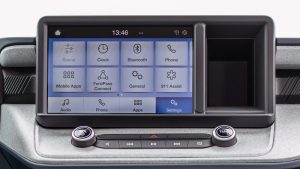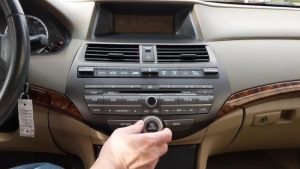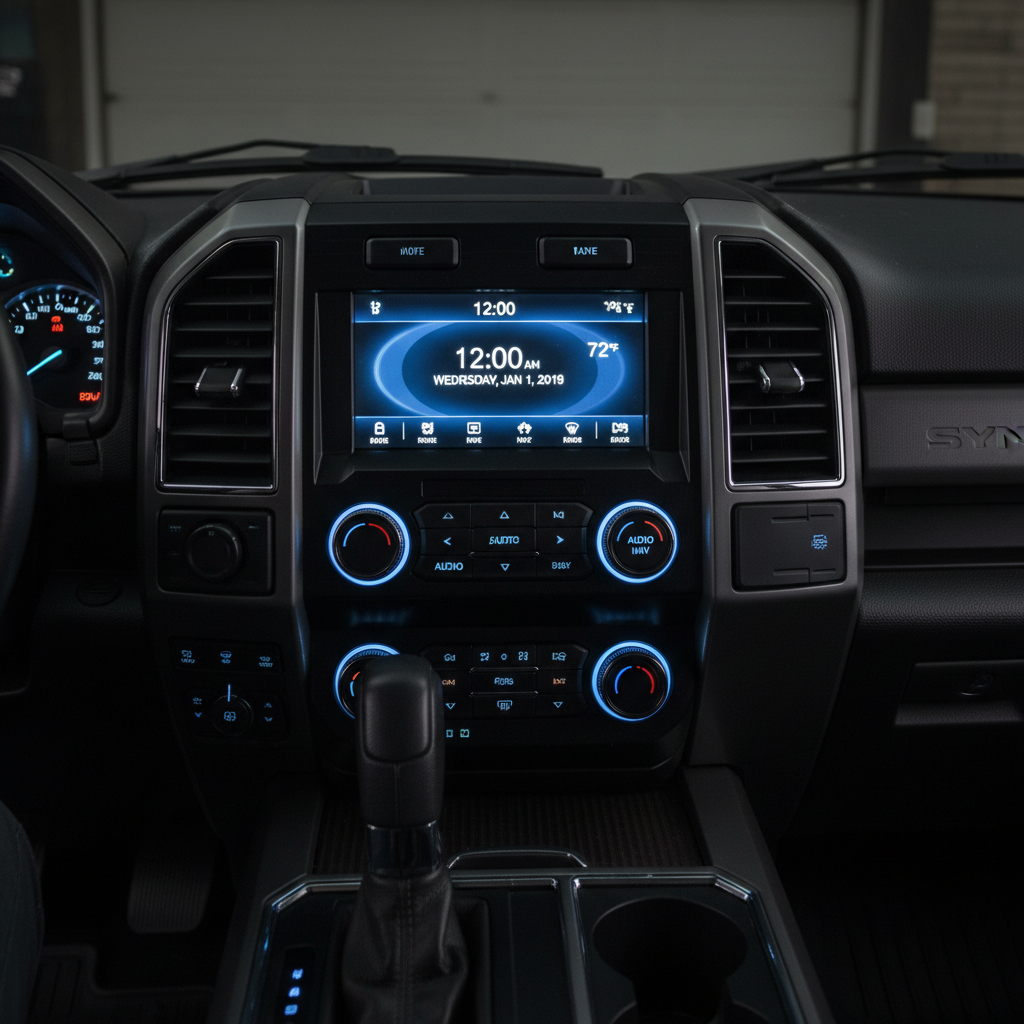
When your 2019 Ford F250’s dashboard clock, temperature display, and date function normally but the radio remains completely dead, you’re dealing with a specific electrical issue that affects only the infotainment system while leaving other dashboard functions intact.
This problem typically stems from a blown fuse, faulty wiring connection, or internal failure within the SYNC 3 infotainment module itself. The clock, temperature, and date displays run on separate circuits from the radio system, which explains why they continue working normally. Start by checking fuses F87 and F88 in the passenger compartment fuse box, then inspect wiring connections behind the radio unit.
Contents
F250’s Electrical System
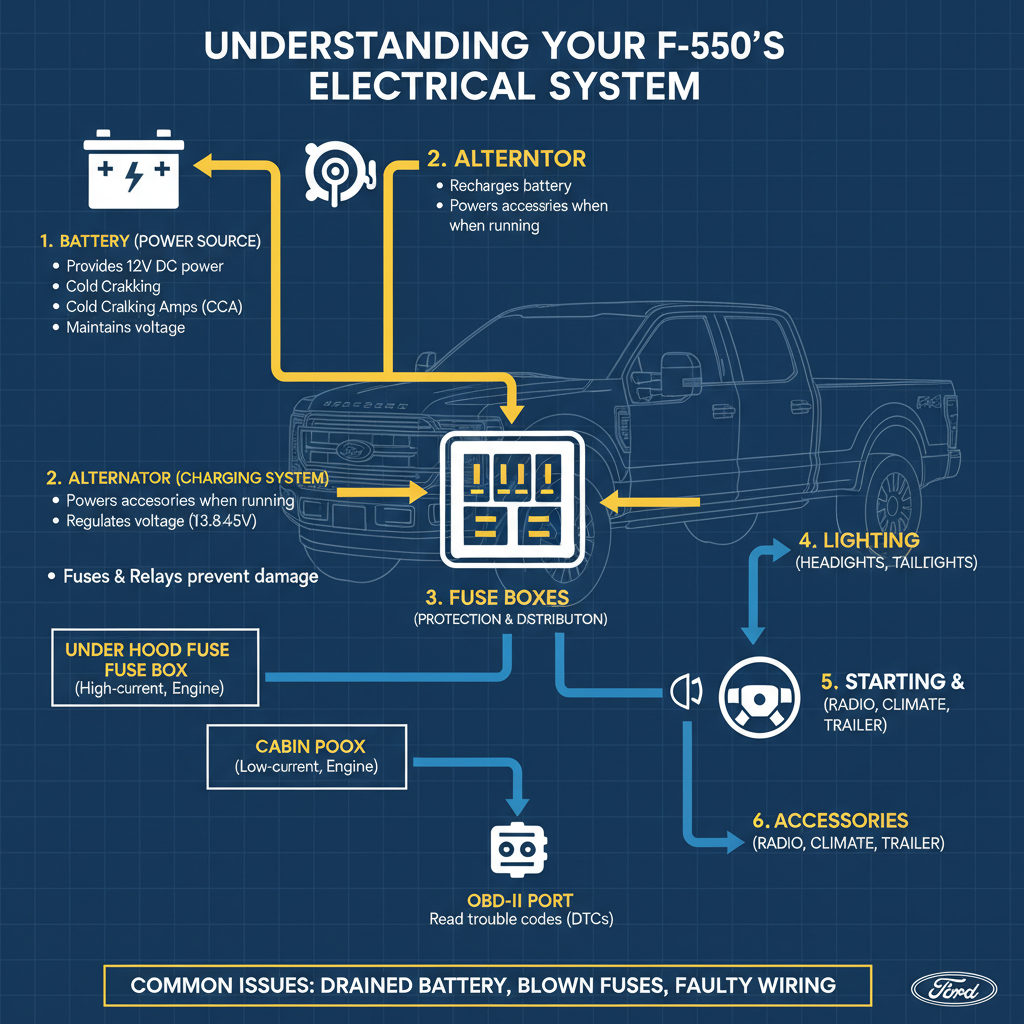
Your 2019 Ford F250 uses separate power circuits for different dashboard components. The instrument cluster that displays time, temperature, and date receives power through different pathways than the SYNC 3 infotainment system that controls radio functions.
This separation means one system can fail while others continue operating normally. The radio system requires both constant power (for memory functions) and switched power (activated when you turn on the ignition).
Step-by-Step Troubleshooting Process
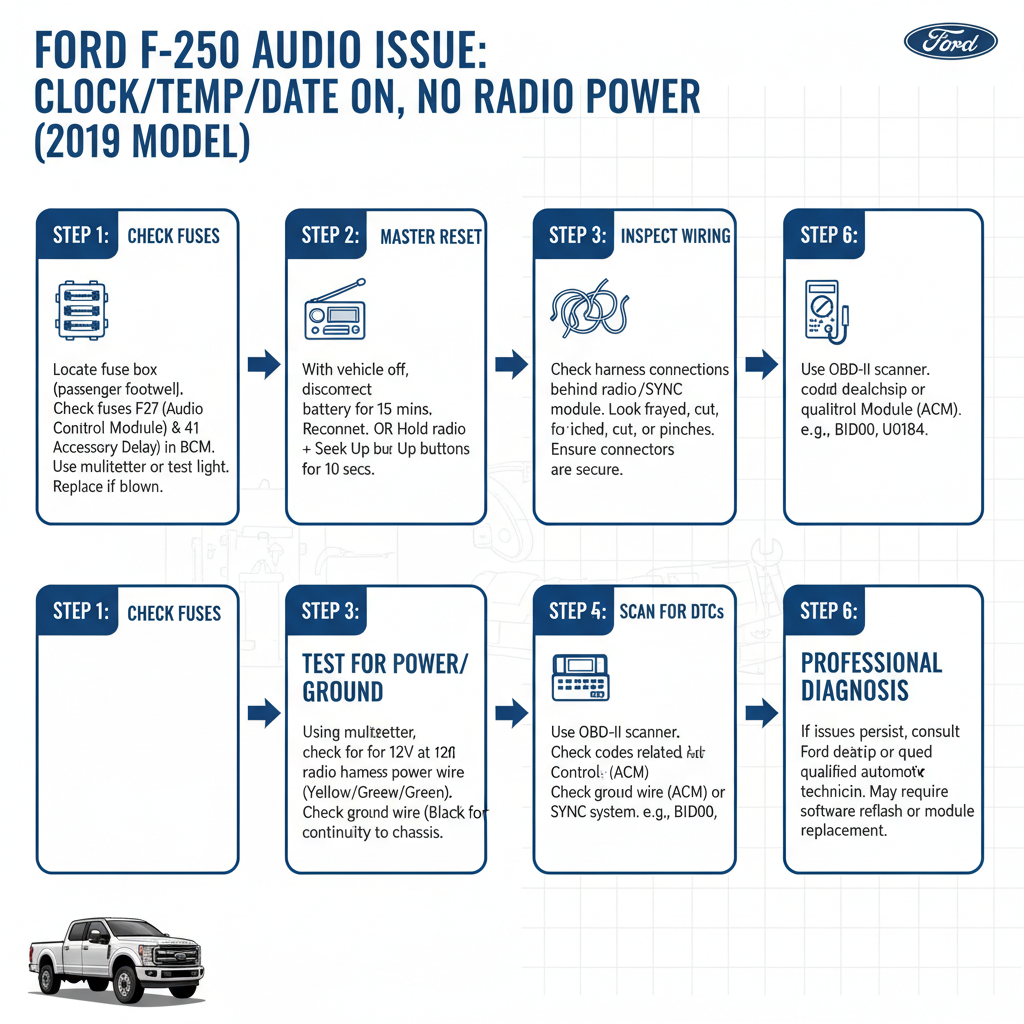
Check the Fuses First
Start with the most common culprit – blown fuses. Your F250 has multiple fuse boxes, but focus on these key locations:
Passenger Compartment Fuse Box:
– Remove the panel on the right side of the dashboard
– Locate fuse F87 (Radio/SYNC – 10A)
– Check fuse F88 (Infotainment Module – 15A)
– Look for F79 (Audio Amplifier – 30A)
Pull each fuse and inspect the metal strip inside. A blown fuse will show a broken or melted strip.
Under-Hood Fuse Box:
– Check fuse F2.23 (Infotainment – 10A)
– Inspect F2.35 (Audio System – 15A)
Perform a Hard Reset
If fuses appear intact, try resetting the SYNC 3 system:
1. Turn off your truck completely
2. Open the driver’s door and leave it open for 2 minutes
3. Close the door and start the engine
4. Wait 3 minutes before testing the radio
This process allows the system to fully discharge and restart fresh.
Check Physical Connections
Poor connections often cause intermittent or complete power loss:
Behind the Radio Unit:
– Remove the dashboard trim around the radio carefully
– Disconnect and reconnect all wiring harnesses
– Look for loose, corroded, or damaged connections
– Ensure all connections click securely into place
Ground Connections:
– Locate ground point G401 behind the dashboard
– Clean any corrosion with sandpaper
– Ensure tight connection
Common Causes and Solutions
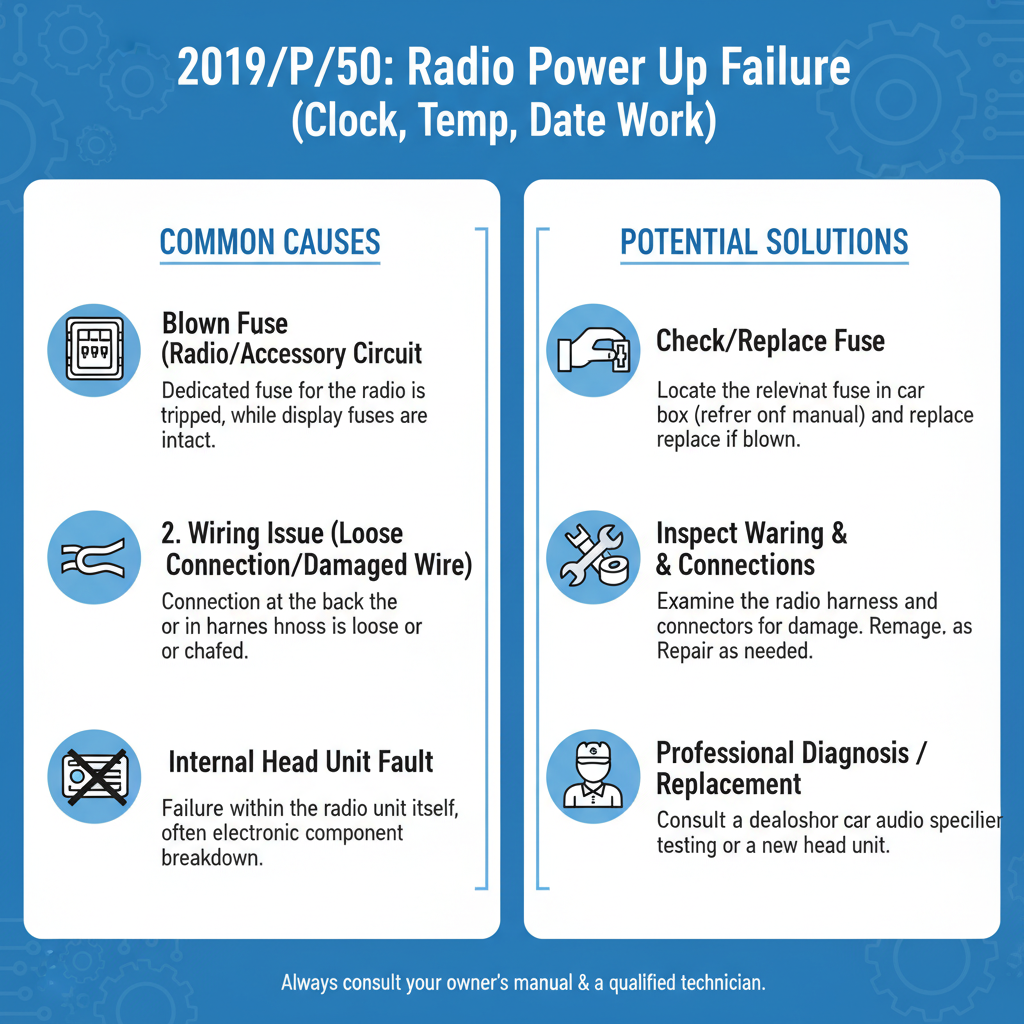
Blown Fuses
Fuses blow due to electrical surges, age, or component failures. Replace blown fuses with identical amperage ratings. If new fuses blow immediately, you have a short circuit requiring professional diagnosis.
Faulty SYNC 3 Module
The Ford SYNC 3 infotainment module can fail internally while other dashboard systems continue working. This requires replacement or reprogramming at a Ford dealership.
Wiring Harness Issues
Rodent damage, wear, or factory defects can interrupt power to the radio while leaving other circuits intact. Inspect visible wiring for damage, burns, or chew marks.
Amplifier Problems
Your F250 may have a separate audio amplifier that can fail independently. The Sony Premium Audio System (if equipped) uses an external amplifier that requires separate diagnosis.
Software Corruption
SYNC 3 software can become corrupted, causing the radio to fail while basic vehicle functions continue. This requires reprogramming with Ford’s latest software updates.
When to Seek Professional Help
Contact a Ford technician if:
– Multiple fuses blow repeatedly
– You find damaged wiring beyond simple connections
– The hard reset doesn’t restore function
– You’re uncomfortable working with electrical components
Professional diagnosis tools can identify specific module failures and communication errors that aren’t visible during basic troubleshooting.
Prevention Tips
Regular Maintenance
– Keep fuse boxes clean and dry
– Check connections during routine service
– Address electrical issues promptly before they spread
Avoid Common Mistakes
– Never use higher amperage fuses than specified
– Don’t ignore intermittent electrical problems
– Avoid aftermarket electrical modifications without proper installation
Cost Considerations
DIY Repairs:
– Fuses: $2-5 each
– Basic tools: $20-50
Professional Repairs:
– Diagnostic fee: $100-150
– SYNC 3 module replacement: $800-1,200
– Wiring repair: $200-500
Frequently Asked Questions
Why does everything else work but not the radio?
Different dashboard components use separate electrical circuits. The radio system has its own power supply, fuses, and wiring that can fail independently of other functions.
Can I drive safely without the radio working?
Yes, your truck is safe to drive. However, you’ll lose access to backup camera display, navigation, and hands-free phone functions if they route through the SYNC system.
Will disconnecting the battery fix this problem?
Battery disconnection can reset some electronic modules, but it won’t repair blown fuses, damaged wiring, or failed hardware components.
How do I know if it’s a fuse or something more serious?
If replacing the correct fuses doesn’t restore function, or if new fuses blow immediately, the problem likely involves wiring or component failure requiring professional diagnosis.
Can cold weather cause this problem?
Extreme cold can affect electrical connections and make existing problems worse, but it rarely causes complete radio failure while other systems work normally.
Is this covered under Ford’s warranty?
The 2019 F250’s basic warranty has expired, but extended warranties may cover electrical component failures. Check your specific coverage details.
Should I try aftermarket replacement parts?
Stick with genuine Ford parts for SYNC 3 components. Aftermarket radios require significant modification and may not integrate properly with your truck’s systems.
Conclusion
When your 2019 Ford F250’s clock, temperature, and date displays work but the radio doesn’t power up, start with the simplest solutions first. Check fuses F87 and F88, perform a hard reset, and inspect visible connections. Most cases involve blown fuses or loose connections that you can fix yourself.
If basic troubleshooting doesn’t resolve the issue, the problem likely involves the SYNC 3 module or deeper wiring problems requiring professional attention. Don’t ignore this issue completely, as electrical problems can sometimes spread to other systems over time.
Remember that safety comes first – if you’re uncomfortable working with electrical components or find evidence of serious wiring damage, consult a qualified Ford technician for proper diagnosis and repair.