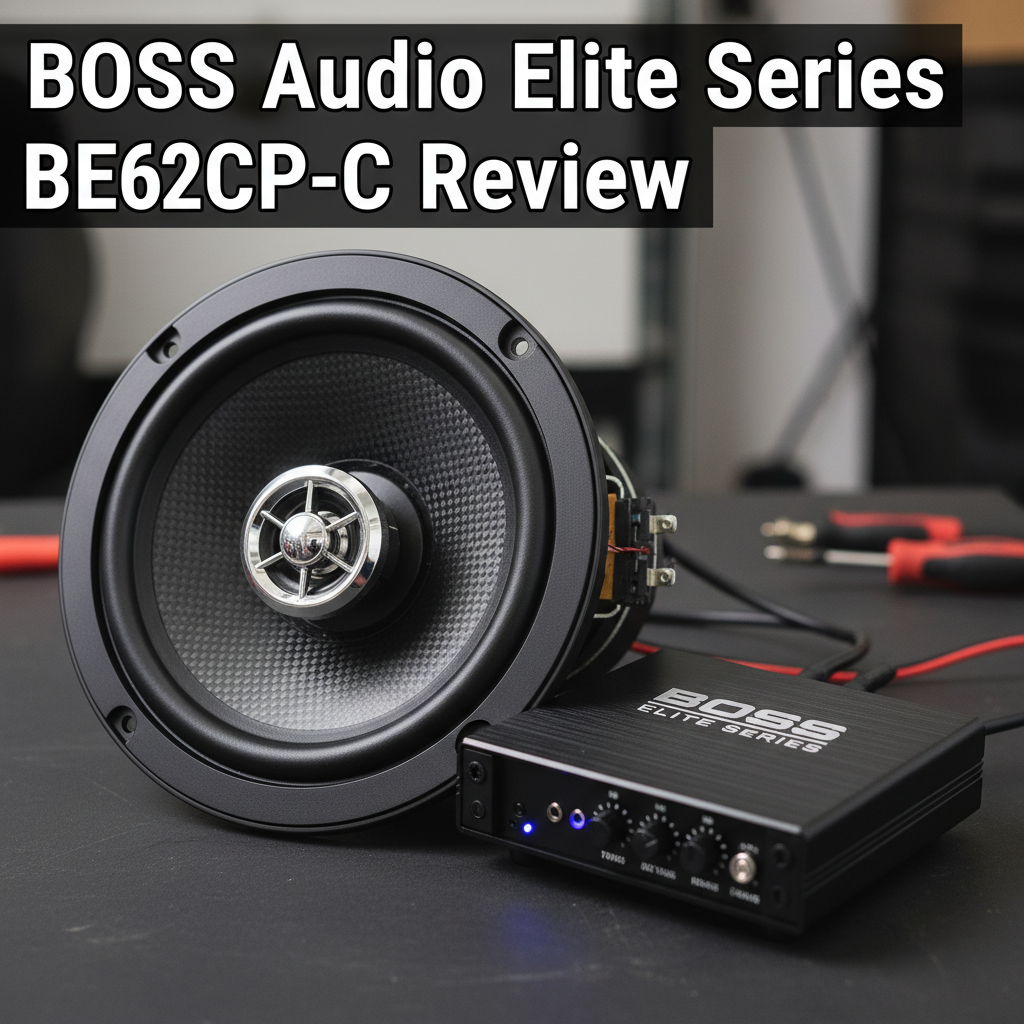
Ever find yourself fumbling with your phone while driving, trying to navigate or change music? Modern car stereos with smartphone integration promise to solve this dangerous distraction by bringing your apps directly to your dashboard. Many drivers struggle with outdated factory systems that don’t support their devices or offer poor connectivity. This review examines whether the BOSS Audio Elite Series BE62CP-C delivers the seamless Apple CarPlay experience you’re looking for.
AT A GLANCE
Apple CarPlay Integration Made Simple
BOSS Audio Systems Elite Series BE62CP-C
Double-din touchscreen head unit designed for iPhone users seeking hands-free calling, messaging, and navigation. Professional installation recommended for optimal performance.
BOSS Audio Elite Series BE62CP-C — In-Depth Product Review
Specifications
| Dimensions | 6.3″ x 6.77″ x 3.82″ |
| Weight | 2.69 lbs |
| Power Output | 80 watts x 4 Max |
| Screen Size | 6.2 inch touchscreen |
| Installation Type | Double Din |
| Warranty | 3-year platinum online dealer warranty |
| Media Support | No CD/DVD player |
| Check Today’s Price on Amazon | |
Key Features

• Apple CarPlay Integration – Direct access to iPhone apps through Siri voice controls and touchscreen interface
• Hands-Free Communication – Bluetooth calling with Siri assistance for safe driving
• Navigation Support – Compatible with Apple Maps, Google Maps, Waze, and Baidu navigation apps
• Multiple Input Options – USB, SD, A/V, Aux, and camera inputs for versatile connectivity
• Pre-Amp Outputs – Front, rear, and subwoofer outputs for external amplifier connections
• Steering Wheel Controls – Compatible interface for existing steering wheel functions (module sold separately)
• Music Streaming – Supports Spotify, Pandora, iTunes, Apple Music, and other streaming services
• Message Management – Siri reads and sends text messages without manual phone interaction
Why This Product Stands Out
The BOSS Audio Elite Series BE62CP-C distinguishes itself through comprehensive Apple CarPlay integration that transforms your iPhone into a dashboard command center. Unlike basic car stereos, this unit provides direct access to navigation, messaging, and music apps through voice commands and touchscreen controls.
The system’s emphasis on hands-free operation addresses safety concerns that many drivers face with traditional phone mounting solutions. Siri integration allows users to manage calls, texts, and navigation without taking their hands off the steering wheel or eyes off the road.
The unit’s flexibility in connectivity options sets it apart from more limited competitors. Multiple input types accommodate various devices and accessories, while pre-amp outputs enable system expansion for audiophiles seeking enhanced sound quality.
Who This Product is Not Suitable For
Android users will find limited functionality since this head unit specifically targets iPhone integration through Apple CarPlay. The system’s primary features revolve around iOS compatibility, making it less valuable for Android device owners.
Drivers who prefer physical media will be disappointed by the absence of CD or DVD playback capability. This car stereo focuses entirely on digital and streaming content, eliminating traditional disc-based entertainment options.
Those seeking plug-and-play installation may find this unit challenging. BOSS Audio strongly recommends professional installation, suggesting that DIY installation could be complex or potentially problematic for inexperienced users.
Best Alternatives
For Android Users: Pioneer DMH-W4660NEX offers both Apple CarPlay and Android Auto compatibility, providing smartphone integration regardless of device preference. This unit includes similar touchscreen functionality with broader device support.
For CD/DVD Support: Kenwood DDX26BT combines touchscreen controls with built-in CD/DVD playback capability. This option serves users who want both traditional media support and modern smartphone connectivity features.
For DIY Installation: Sony XAV-AX1000 provides simpler installation requirements while maintaining Apple CarPlay functionality. This alternative offers more straightforward wiring and setup procedures for users comfortable with self-installation.
Performance
The 6.2-inch touchscreen provides responsive interaction for app navigation and system controls. Users can access iPhone features without significant lag or connectivity issues when properly installed and configured.
Audio quality reaches acceptable levels for most listeners through the 80-watt maximum power output. The system drives factory speakers adequately while offering expansion options through pre-amp outputs for users wanting enhanced sound performance.
Bluetooth connectivity maintains stable connections for both calling and music streaming. The system handles phone calls clearly while supporting popular streaming services like Spotify and Apple Music without frequent dropouts or audio interruptions.
Design & Build Quality
The double-din form factor fits standard dashboard openings in most vehicles manufactured after 2000. The 6.3″ x 6.77″ x 3.82″ dimensions align with industry standards for aftermarket head unit installations.
The touchscreen interface features clear graphics and intuitive menu layouts. Button placement and screen responsiveness accommodate easy operation while driving, though screen visibility may vary depending on lighting conditions and viewing angles.
Build quality appears solid for the price point, weighing 2.69 pounds with standard plastic housing construction. The unit includes necessary mounting hardware and wiring harnesses typical of aftermarket car stereo installations.
Unboxing Experience
The package includes the main head unit, mounting cage, trim ring, and basic installation hardware. Wiring harnesses and installation instructions provide guidance for connection to vehicle electrical systems.
Additional accessories like backup cameras, steering wheel control interfaces, and specific vehicle wiring adapters require separate purchases. The included documentation outlines these optional components and their compatibility requirements.
First impressions reveal a standard aftermarket head unit appearance with clean design elements. The screen quality and button layout appear functional rather than premium, reflecting the unit’s positioning in the car stereo market.
Installation Guide
Step 1: Disconnect vehicle battery and remove factory head unit according to vehicle-specific procedures.
Step 2: Connect wiring harnesses using vehicle-appropriate adapters (sold separately for most applications).
Step 3: Mount the unit in dashboard opening using included mounting cage and trim components.
Step 4: Connect antenna, speaker wires, and any optional accessories like backup cameras.
Step 5: Test all functions before final dashboard reassembly and restore battery connection.
BOSS Audio strongly recommends professional installation to ensure proper wiring and functionality. Improper installation may void warranty coverage or cause electrical issues.
Maintenance & Care Tips
Clean the touchscreen regularly with microfiber cloths and screen-safe cleaning solutions. Avoid harsh chemicals or abrasive materials that could damage the display surface or touch sensitivity.
Keep USB and SD card ports free from dust and debris by using protective covers when not in use. Regular cleaning prevents connection issues and maintains reliable data transfer for media playback.
Update iPhone iOS versions regularly to maintain optimal CarPlay compatibility. Software updates often include improvements for automotive integration and bug fixes for connectivity issues.
FAQ
Q: Does this unit work with Android phones?
A: No, this head unit specifically supports Apple CarPlay for iPhone integration. Android users would need a different model with Android Auto compatibility.
Q: Can I play CDs or DVDs on this stereo?
A: No, this unit does not include CD or DVD playback capability. It focuses on digital media through USB, SD cards, and smartphone connectivity.
Q: Do I need professional installation?
A: BOSS Audio strongly recommends professional installation to ensure proper functionality and maintain warranty coverage. DIY installation may be challenging for inexperienced users.
Q: What steering wheel control interface do I need?
A: BOSS Audio recommends the Metra ASWC-1 interface module, though compatibility depends on your specific vehicle model and existing steering wheel controls.
Q: Does the backup camera come included?
A: No, backup cameras are sold separately. The unit includes camera input capability but requires separate camera purchase and installation.
Q: What warranty coverage does this unit include?
A: BOSS Audio provides a 3-year platinum online dealer warranty for purchases made through Amazon.com, contingent on professional installation.
Conclusion
The BOSS Audio Elite Series BE62CP-C delivers solid Apple CarPlay integration for iPhone users seeking hands-free dashboard control. While it requires professional installation and lacks CD/DVD support, the comprehensive smartphone connectivity and three-year warranty provide good value for compatible users.