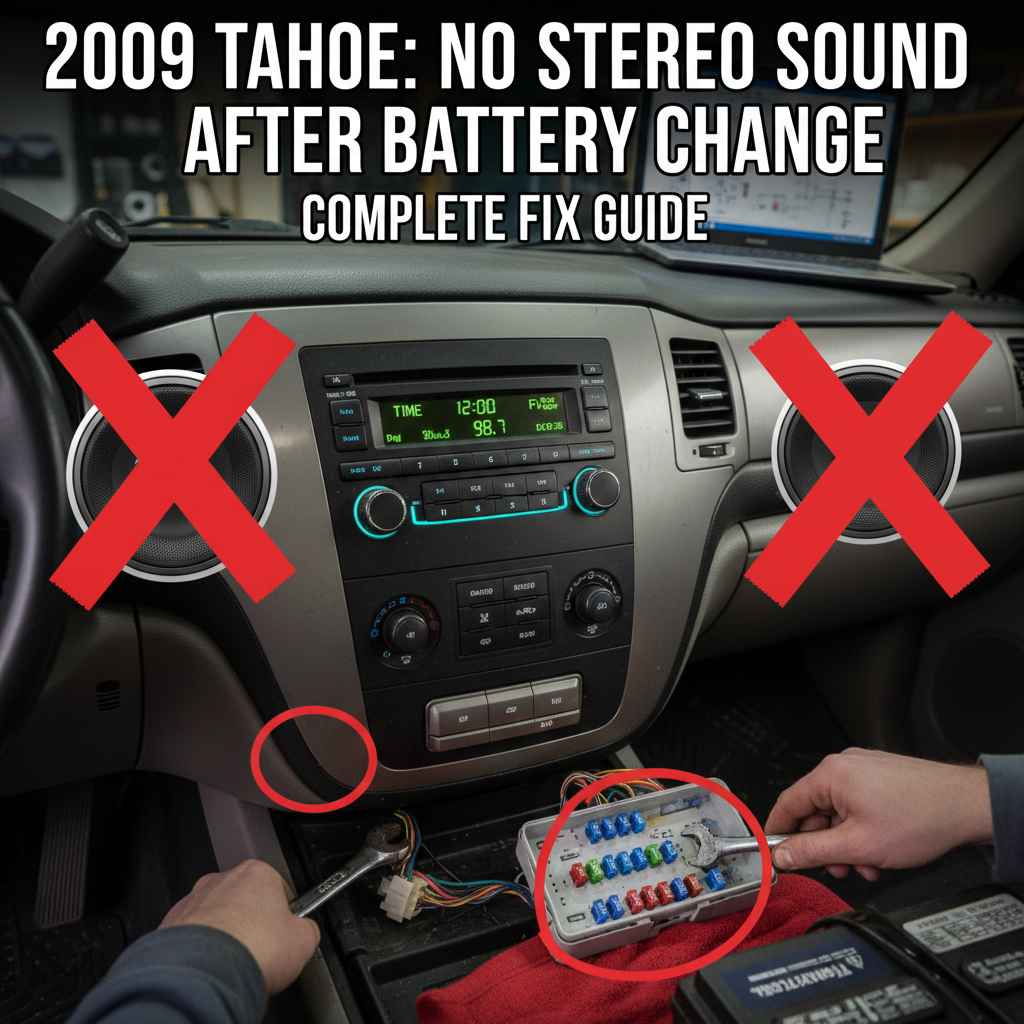
If you’ve recently replaced the battery in your 2009 Chevrolet Tahoe and now find yourself with a stereo that powers on but produces no sound, you’re not alone. This frustrating issue is more common than you might think, but the good news is that it’s usually fixable with some basic troubleshooting.
When your 2009 Tahoe stereo comes on but has no sound after a battery change, the most likely causes are anti-theft security activation, blown amplifier fuses, disconnected wiring, or reset audio settings. Start by checking if the radio displays “LOC” or “LOCKED,” then verify all fuses and connections before examining audio settings.
Contents
Why Battery Changes Affect Your Tahoe’s Audio System
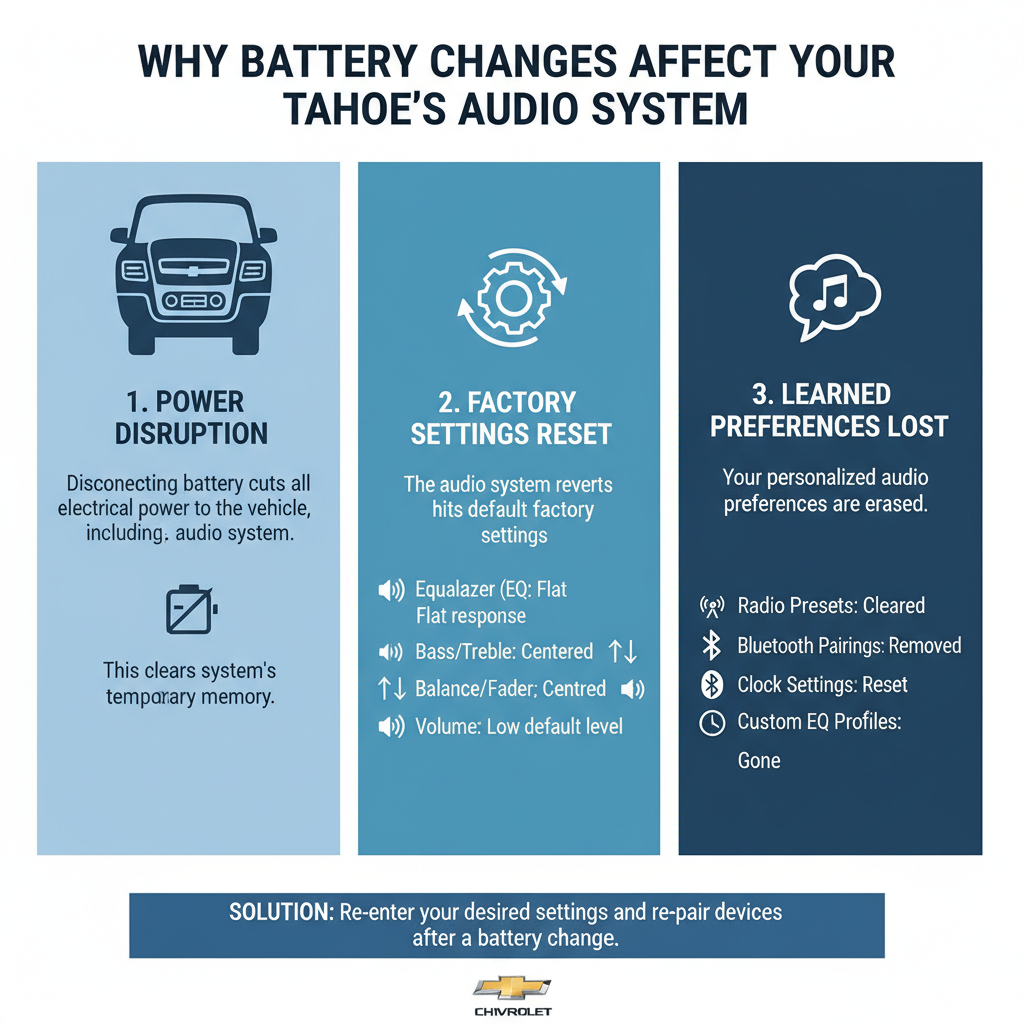
When you disconnect your Tahoe’s battery, the electrical system loses power completely. This interruption can trigger several protective mechanisms and reset various electronic components.
The 2009 Tahoe’s audio system includes multiple components that rely on constant power to maintain their settings and security features. When power is lost, these systems may enter protective modes or lose their configuration entirely.
Most Common Causes and Solutions
Anti-Theft Security Lockout
The GM Delco radio systems in 2009 Tahoes often include Theftlock protection. When battery power is interrupted, the radio may enter a security mode.
Signs of security lockout:
– Display shows “LOC,” “LOCKED,” or “INOP”
– Radio powers on but remains silent
– Controls may be unresponsive
Solution:
1. Turn on the ignition (engine off)
2. Turn on the radio
3. If prompted for a code, enter your radio’s security code
4. If you don’t have the code, contact a GM dealer with your VIN
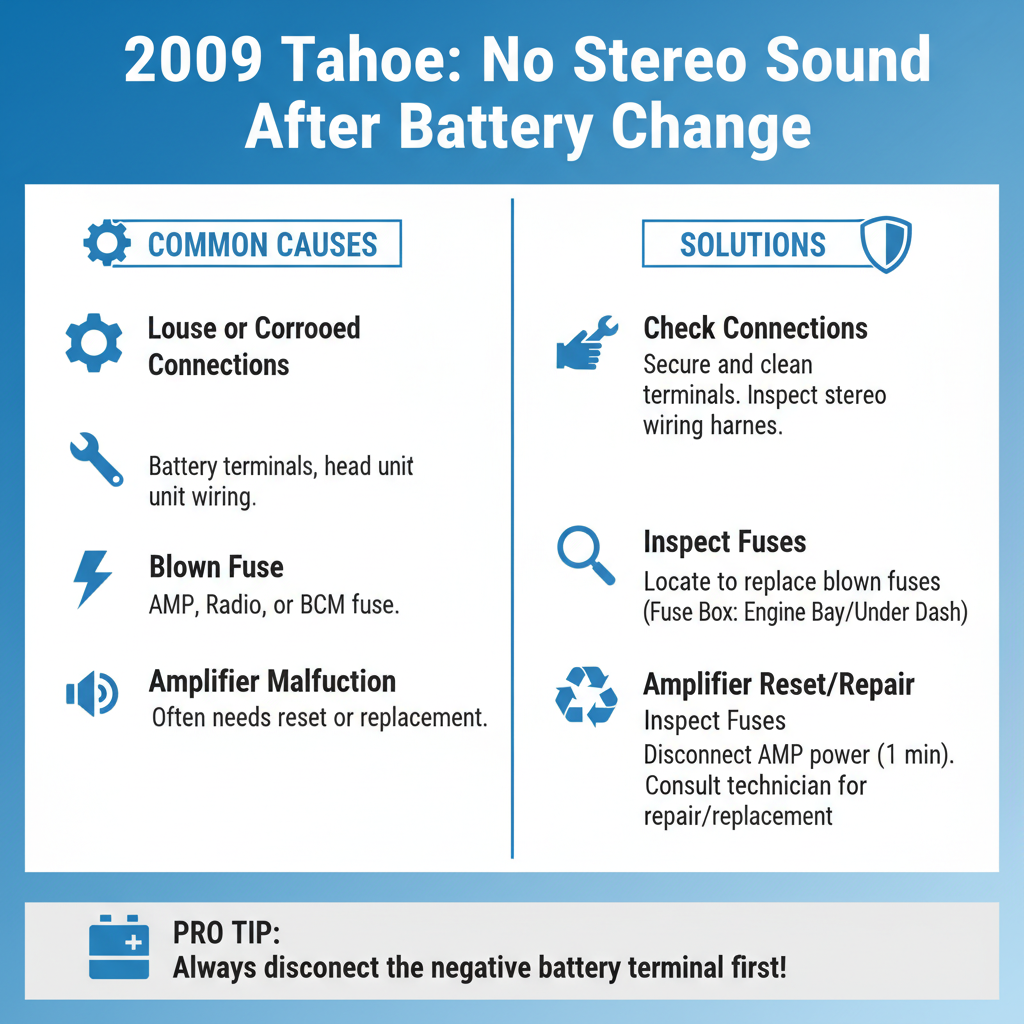
Blown Amplifier Fuses
The audio amplifier in your Tahoe has dedicated fuses that can blow during battery reconnection due to power surges.
Check these fuse locations:
– Under-hood fuse box: Look for “AMP” or “AUDIO” fuses
– Interior fuse panel: Check “RADIO” and “AMP” positions
– Bose amplifier fuse (if equipped with Bose system)
Replace any blown fuses with the exact same amperage rating.
Disconnected or Loose Wiring
Battery replacement sometimes requires moving components that can disturb audio system connections.
Common problem areas:
– Amplifier connections behind the radio
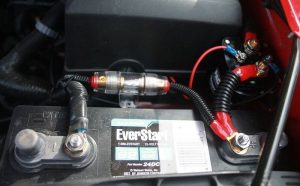
– Ground connections
– Speaker wire connections
– Antenna connections
Carefully check all visible connections for looseness or corrosion.
Reset Audio Settings
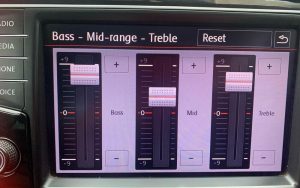
Your audio settings may have returned to factory defaults, including volume levels and audio distribution settings.
Check these settings:
– Master volume level
– Fade and balance controls
– Individual speaker settings
– Audio source selection
Step-by-Step Troubleshooting Process
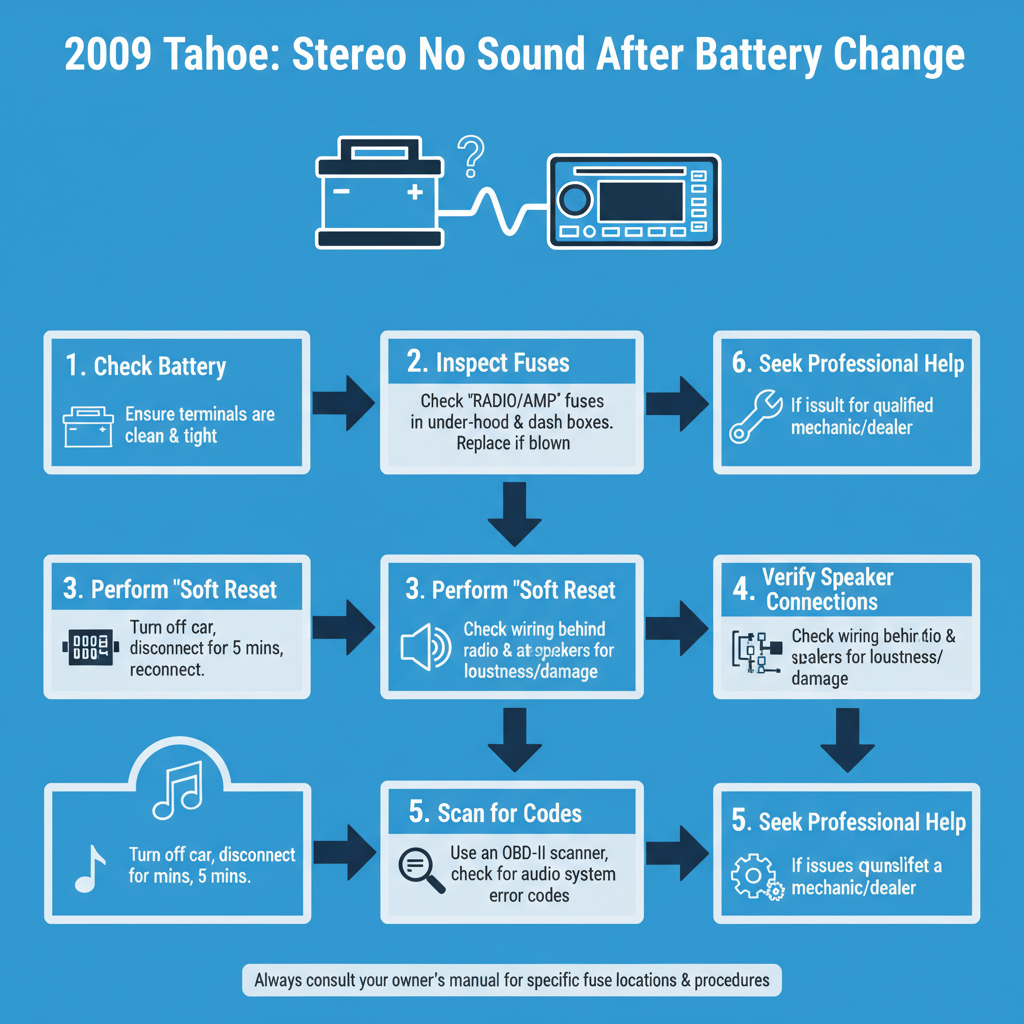
Step 1: Basic System Check
Start with the simplest solutions first.
1. Ensure the radio is actually on (display should be lit)
2. Check that volume is turned up adequately
3. Try different audio sources (AM, FM, CD, AUX)
4. Test fade and balance settings by moving them to different positions
Step 2: Security System Reset
If your display shows any security-related messages:
1. Locate your radio security code (often in owner’s manual or glove box)
2. Follow the specific unlock procedure for your GM radio model
3. If unsuccessful, disconnect battery for 10 minutes and reconnect
Step 3: Fuse Inspection
Systematically check all audio-related fuses:
1. Remove each fuse and inspect visually
2. Use a multimeter to test fuse continuity if visual inspection is unclear
3. Replace blown fuses immediately
4. Test system after each fuse replacement
Step 4: Connection Verification
Examine physical connections throughout the system:
1. Remove radio carefully to access rear connections
2. Check all plugs are fully seated
3. Inspect for corrosion or damage
4. Ensure ground connections are clean and tight
Advanced Troubleshooting for Persistent Issues
Amplifier Problems
If basic troubleshooting fails, the issue may be with your amplifier.
For standard systems:
The amplifier is typically integrated into the radio unit itself.
For Bose-equipped systems:
The Bose amplifier is usually located behind the radio or in the rear cargo area.
Testing the amplifier:
1. Check for power at the amplifier connections
2. Verify ground connections are solid
3. Test for audio signal input to the amplifier
4. Consider professional diagnosis if amplifier appears faulty
Speaker Circuit Testing
Individual speaker problems can mimic complete system failure:
1. Test each speaker location using fade and balance controls
2. Check speaker connections at each location
3. Use a multimeter to test speaker impedance
4. Replace damaged speakers as needed
Professional Diagnostic Options
Some issues require specialized equipment:
– GM Tech2 scanner for advanced system diagnostics
– Professional audio system analyzers
– Dealer-level programming tools for certain resets
Prevention Tips for Future Battery Changes
Protect your audio system during future maintenance:
Before disconnecting the battery:
– Write down your radio security code
– Note current audio settings
– Take photos of any custom wiring
During battery replacement:
– Use a memory saver device to maintain power
– Avoid touching other electrical components
– Handle connections gently
After reconnection:
– Test audio system before closing the hood
– Allow system to fully initialize before making adjustments
When to Seek Professional Help
Consider professional assistance if:
– Security code procedures don’t restore function
– Multiple fuses continue to blow
– You’re uncomfortable working with electrical systems
– The problem persists after trying all basic solutions
Authorized GM service centers have access to specialized diagnostic equipment and can reprogram systems if necessary.
Frequently Asked Questions
Q: Why does my 2009 Tahoe radio show “LOC” after battery replacement?
A: “LOC” indicates the Theftlock security system is activated. You’ll need to enter your radio security code to unlock it. The code is usually found in your owner’s manual or on a card in the glove box.
Q: Can I bypass the radio security code on my Tahoe?
A: While bypass methods exist, they often require professional tools. Contact a GM dealer with your VIN to obtain the correct security code legally and safely.
Q: Which fuses control the audio system in a 2009 Tahoe?
A: Check the “RADIO,” “AMP,” and “AUDIO” fuses in both the under-hood and interior fuse boxes. Bose-equipped vehicles may have additional amplifier fuses.
Q: How long should I wait before the radio resets itself?
A: Some GM radios will reset after 1-3 hours of continuous power, but this isn’t guaranteed. It’s better to use the proper security code procedure.
Q: Could a bad ground connection cause no sound issues?
A: Yes, poor ground connections can cause various audio problems including complete sound loss. Check all ground connections for corrosion or looseness.
Q: Is it safe to remove the radio myself to check connections?
A: If you’re comfortable with basic automotive electrical work, yes. However, be gentle with plastic clips and connectors, and disconnect the battery before working.
Q: What if my Tahoe has the Bose sound system?
A: Bose systems have separate amplifiers that may require additional troubleshooting. Check the Bose amplifier fuses and connections specifically, as these systems are more complex than standard audio setups.
Conclusion
A 2009 Tahoe stereo that powers on but produces no sound after battery replacement is typically caused by security lockout, blown fuses, or reset settings. Start with the simplest solutions like checking the security code and fuse condition before moving to more complex diagnostics.
Most owners can resolve this issue with basic tools and patience. Remember to always prioritize safety when working with electrical systems, and don’t hesitate to seek professional help if you’re unsure about any procedure.
Keep your radio security code accessible for future reference, and consider using a memory saver device